
Final Fantasy Resonance Steam Save File Location on Windows
Find the Windows Steam demo and full-game save folders and understand what a local backup does.
FAQ
Are the demo and full-game Steam saves in the same Windows folder?
Does copying a backup automatically resolve a Steam Cloud conflict?
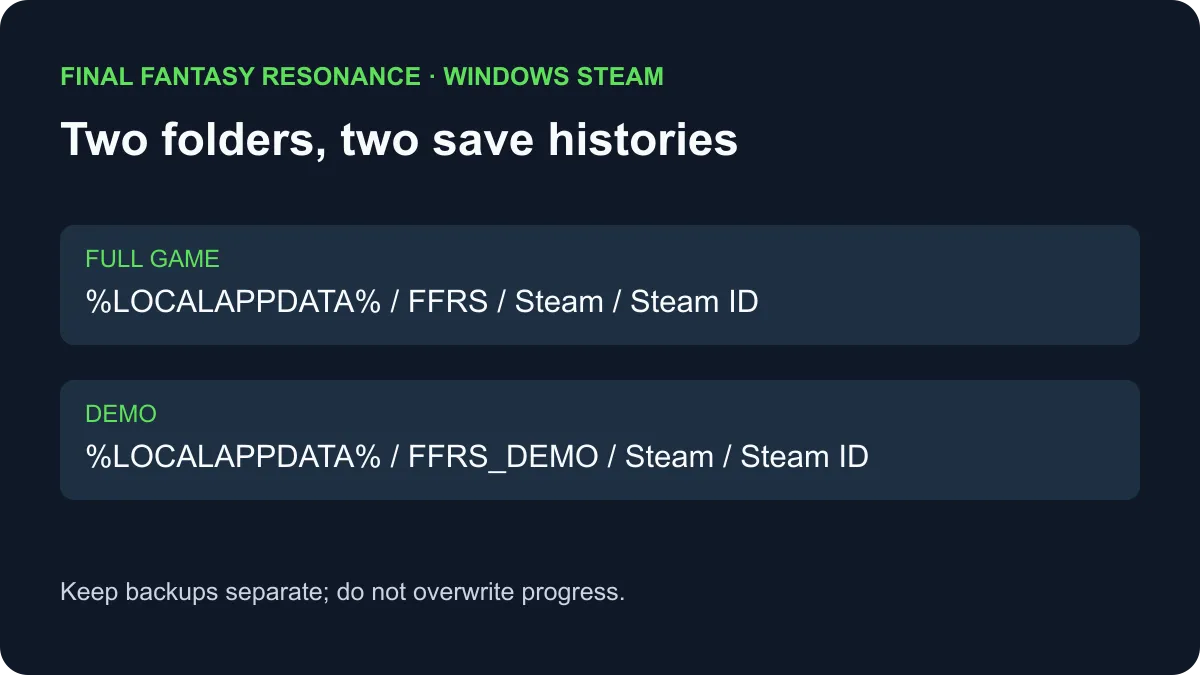
Where are Steam saves stored on Windows?
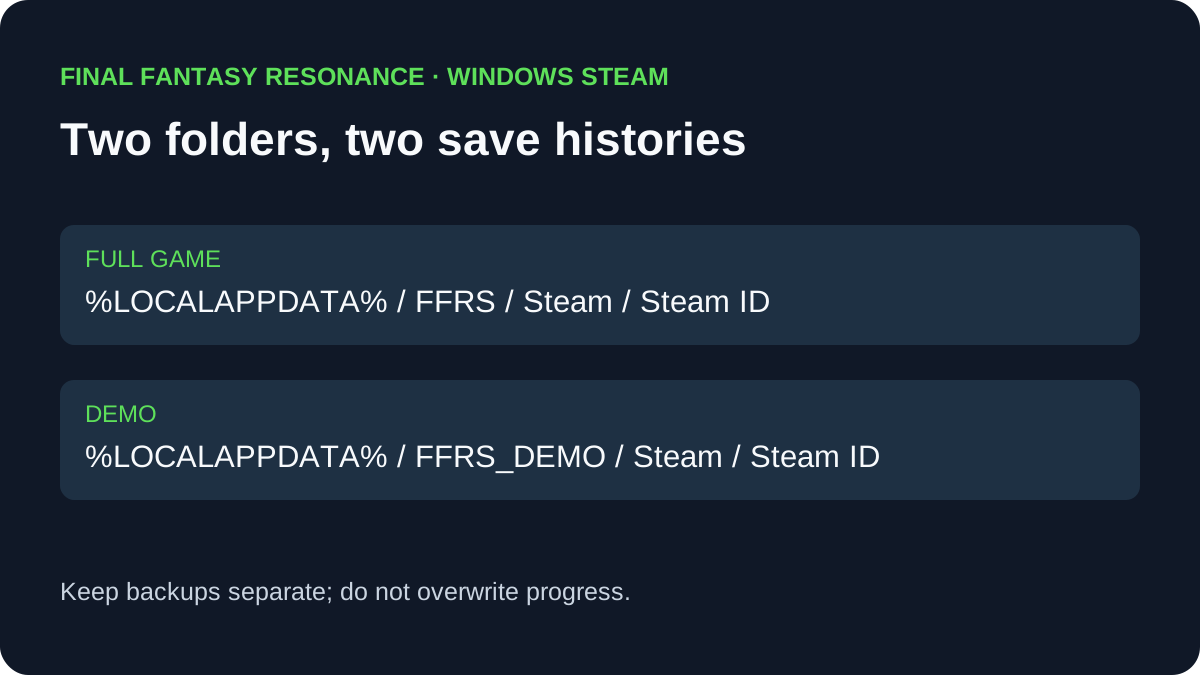
The full game’s Steam save folder is under %LOCALAPPDATA%\FFRS\Steam\ followed by your numeric Steam ID folder. The demo uses %LOCALAPPDATA%\FFRS_DEMO\Steam\ followed by its Steam ID folder. These locations come from a published Windows hands-on inspection; another platform’s path is To be confirmed.
Open File Explorer and enter the relevant parent path in its address bar. Open the account folder that corresponds to your Steam account. If the folder is absent, check the Windows profile and Steam account in use before drawing conclusions; the inspected path does not establish every possible installation state.
Which folder should I inspect?
| What you are looking for | Windows Steam folder | What it does not establish |
|---|---|---|
| Full-game progress | %LOCALAPPDATA%\FFRS\Steam\ plus Steam ID | Whether another device has the same current progress. |
| Demo progress | %LOCALAPPDATA%\FFRS_DEMO\Steam\ plus Steam ID | That importing it will merge with an existing full-game save. |
| A local backup | A separate copy you choose to create | That Steam Cloud has uploaded or restored that copy. |
The published hands-on report shows numbered GameSaveData files alongside settings files. It describes one manual demo-transfer result; that does not establish a universal repair. The demo transfer guide covers Square Enix’s prompt conditions separately.
How can I preserve a copy without changing progress?
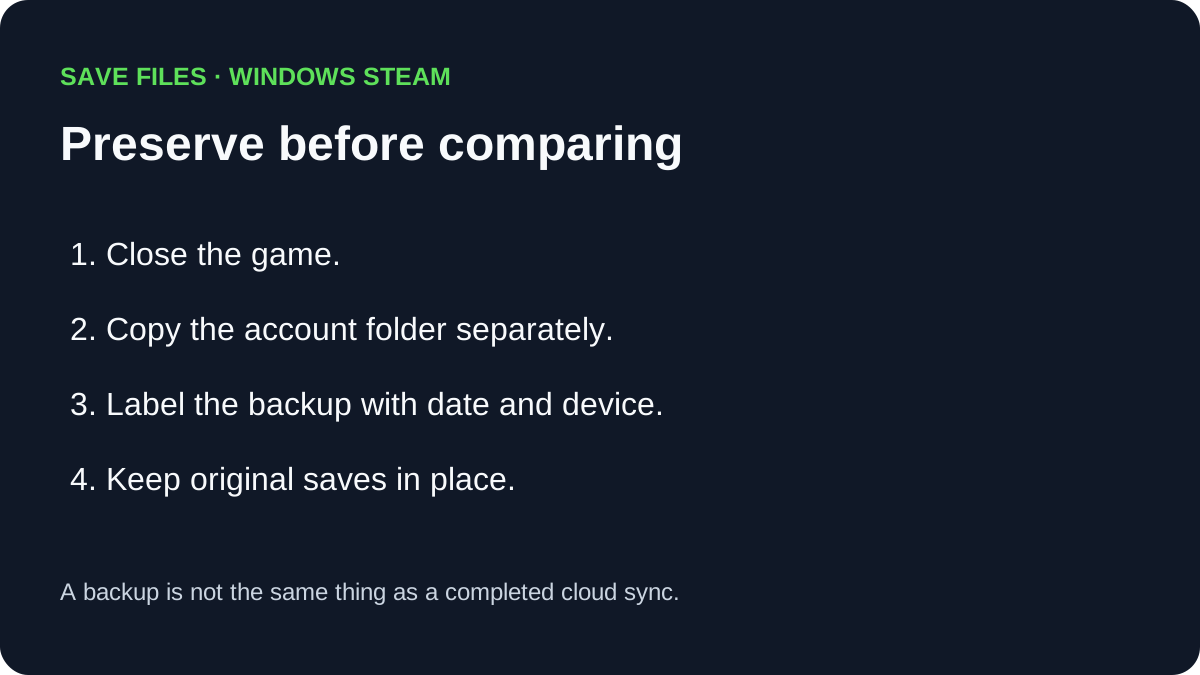
- Close the game before inspecting its save folder. Check the game and Steam account you actually used.
- Copy the relevant account folder to a separate backup location. Keep the original files in place and label the copy with the date and device.
- Do not replace a full-game file with a demo file or delete data merely to test a transfer. Separate copies help preserve the states you already have; they do not guarantee a successful restore.
- If Steam reports a cloud conflict, compare the displayed dates, devices and in-game progress before choosing. Valve notes that conflicting copies may differ; a newer timestamp alone is not proof that a file contains the desired progress.
The Steam Cloud guide explains the device-sync question. The Steam Family Sharing guide covers library access rather than merging save data.
What if the path or save is missing?
Record the Windows profile, Steam account, game edition and whether the game has been run on that device. The folder locations above are observations from one Windows Steam setup, not a promise for Xbox on PC, consoles, or every Linux configuration. For those versions the exact location is To be confirmed. Contact the game’s support service before replacing files if the missing progress matters.
Sources
- Prima Games: Windows demo and full-game save folders — hands-on Windows folder screenshots and file names; checked November 2, 2026.
- Steam Support: Steam Cloud — general synchronization and conflict guidance; checked November 2, 2026.
- Square Enix Support: demo save transfer — official transfer conditions; checked November 2, 2026.
Gallery
Related Articles
guides
How to Change Battle Speed in Final Fantasy Resonance
Find the battle-speed control on PC and distinguish combat speed from text and movement settings.
guides
How to Save in Final Fantasy Resonance
Find the manual save option on the field map and use save points in towns and dungeons.
guides
Final Fantasy Resonance New Game Plus: Cleared Save Explained
Find out what a cleared save does and what has been reported about New Game Plus in Final Fantasy Resonance.
Was this helpful?
Thanks for the feedback!