
How to Save in Final Fantasy Resonance
Find the manual save option on the field map and use save points in towns and dungeons.
FAQ
What if I cannot find a save point?
Does autosave replace my numbered manual save?
Is saving in the game the same as Steam Cloud sync?
Where can you save your progress?
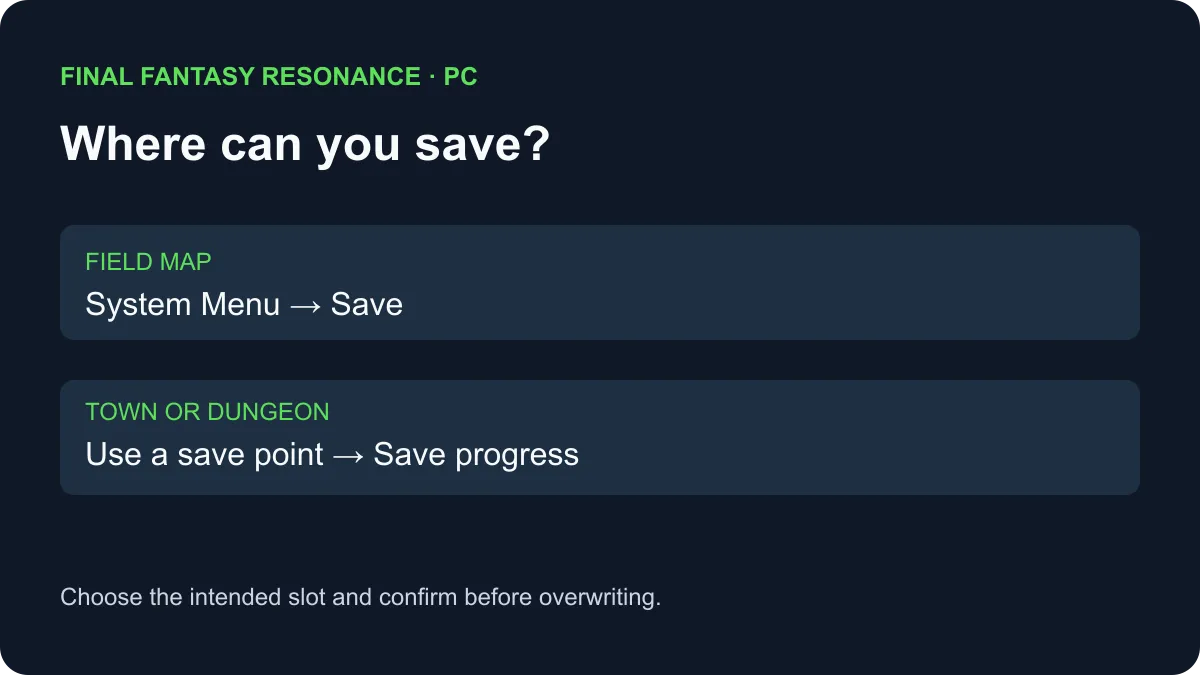
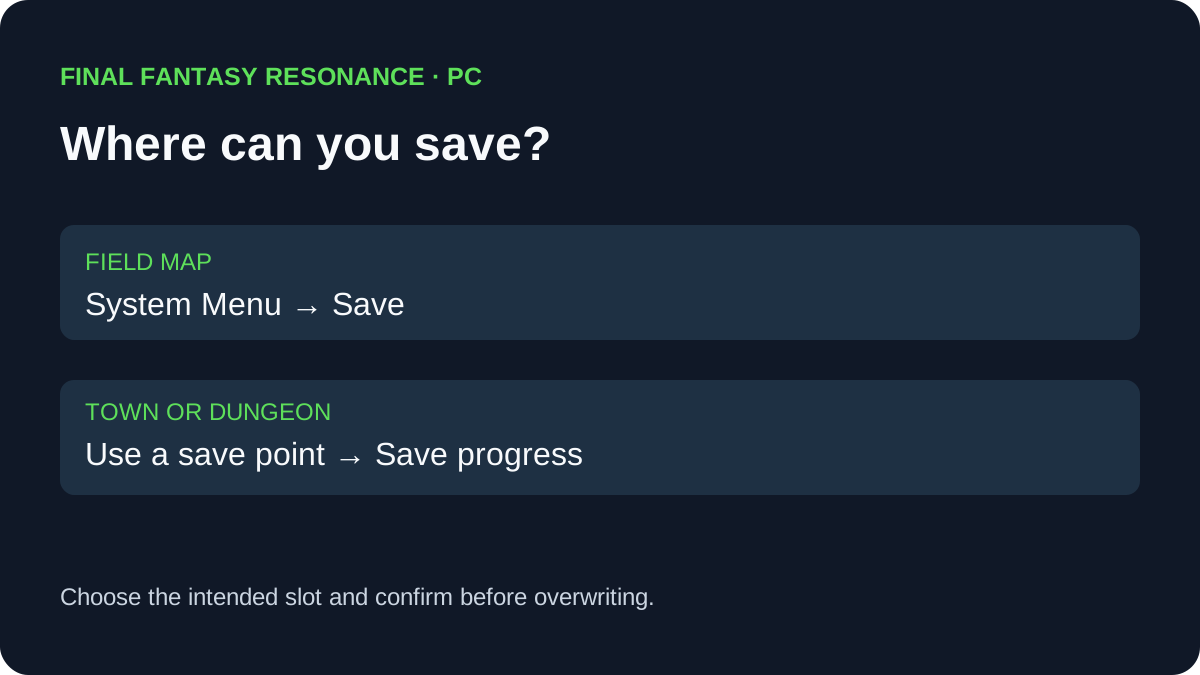
On the field map, open the System Menu and select Save. In a town or dungeon, use a save point and choose Save progress. A hands-on PC walkthrough photographs both the in-game tutorial and the relevant menus.
Choose the route for your location
The screenshot evidence distinguishes locations that can look similar: the field map is outside towns and dungeons; town streets, buildings, and dungeon interiors use save points.
| Where you are | What the observed PC screens show | What to do |
|---|---|---|
| Field map outside a town or dungeon | The System Menu includes Save. | Open the System Menu, select Save, choose a slot, and confirm. |
| Town streets or an interior | The photographed System Menu lacks Save away from a point. | Find and interact with a save point, or return to the field map if reachable. |
| Dungeon away from a point | The photographed menu lacks Save. | Use a save point before relying on a manual save. |
| At a save point | An interaction menu offers Save progress. | Select it, choose a slot, and confirm the save. |
These examples come from the documented PC playthrough. Menu prompts and exact locations on other platforms or versions are To be confirmed here; follow the controls displayed by your game.
How do you know a manual save was recorded?
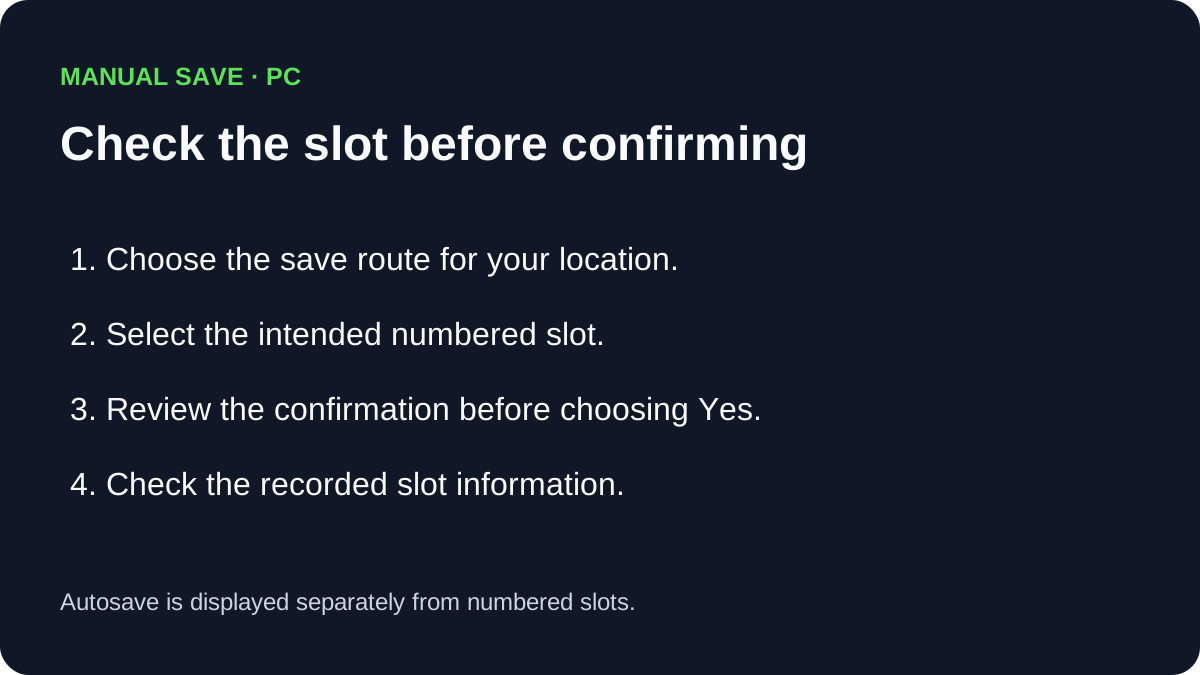
The PC walkthrough shows a slot list and a confirmation before writing progress. Choose the intended slot, confirm the prompt, and inspect the resulting slot information. Avoid overwriting a different save you want to keep. The screenshots show the confirmation initially highlights No; select Yes only after checking the target.
Can a save point also move the party?
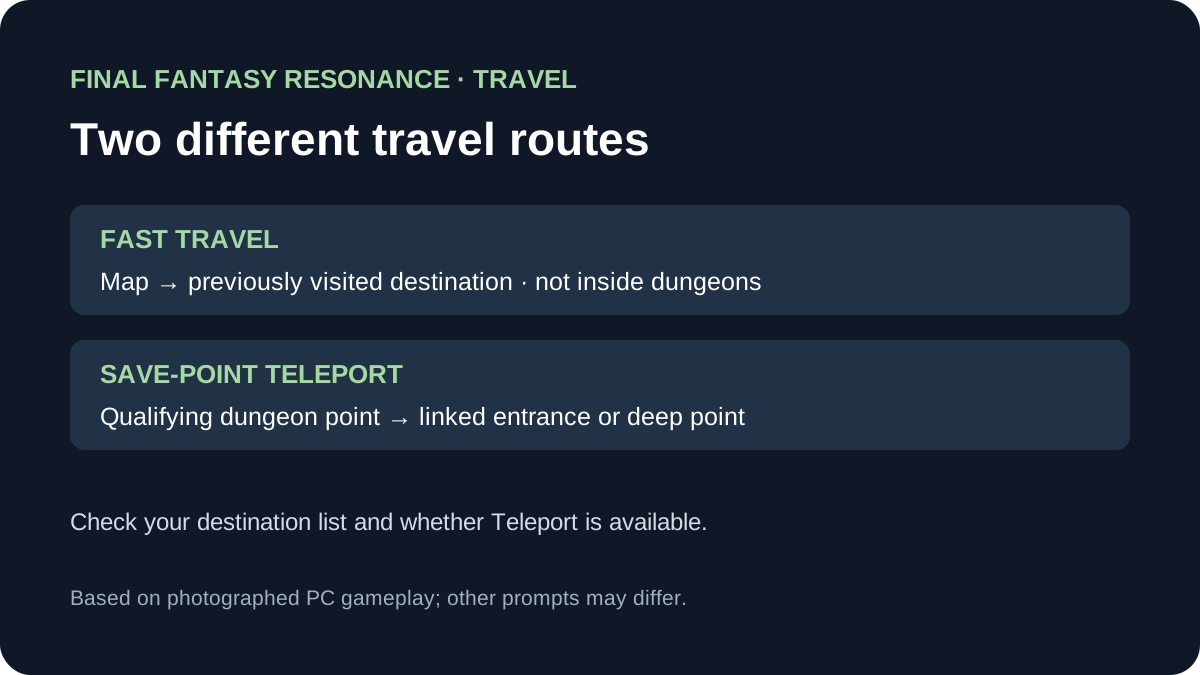
Some dungeon save points offer a separate Teleport command. It links the entrance and deepest save points when available; it does not replace the Map destination list. The Fast Travel guide compares the two routes.
What about autosave and cloud saves?
The photographed Load screen has an Autosave entry separate from the numbered manual slots. That establishes the displayed slots, not a guarantee about the timing of every autosave. A manual save, a local backup, and a cloud upload are separate steps: the Windows Steam save-location guide explains where an inspected PC setup stores files, while the Steam Cloud guide discusses device synchronization and conflicts.
If your concern is carrying the demo into the full game, use the demo transfer guide. A save point does not itself explain whether the transfer prompt will appear.
Sources
- All Things How: How to save in Final Fantasy Resonance — hands-on PC screenshots of the saving tutorial, field menu, save-point interaction, slot confirmation and load screen; checked November 5, 2026.
- Steam Support: Steam Cloud — general cloud synchronization and conflict guidance; checked November 5, 2026.
Gallery
Related Articles
guides
Why Are Vision Abilities Greyed Out in Final Fantasy Resonance?
Understand the E marker, equipped Visions, learned abilities and AP before changing your setup.
guides
How to Fast Travel in Final Fantasy Resonance
Use the Map destination list, understand dungeon restrictions, and distinguish Fast Travel from save-point Teleport.
guides
How to Use Quick Heal in Final Fantasy Resonance
Find Quick Heal on PC, understand its MP cost, and compare it with tents and revival items.
Was this helpful?
Thanks for the feedback!