
Final Fantasy Resonance Mods: Safety and Support
Final Fantasy Resonance mods include a demo Vision importer and an ultrawide fix, but official support and compatibility are To be confirmed for now.
Does Final Fantasy Resonance officially support mods?
No official mod SDK, official mod support statement, or Steam Workshop listing appears in the collected material. The Square Enix product page provides game specifications, and the Steam page provides the product and demo entry, but neither source lists a supported mod pipeline. The mods currently visible in the research are community projects, not publisher-approved features.
That distinction should be visible before any installation advice. The release and platform guide confirms that PC is one of the platforms, but PC availability does not imply official mod support. Any full-game compatibility statement, official permission claim, or guarantee that a mod is safe is To be confirmed.
What community mods were found?
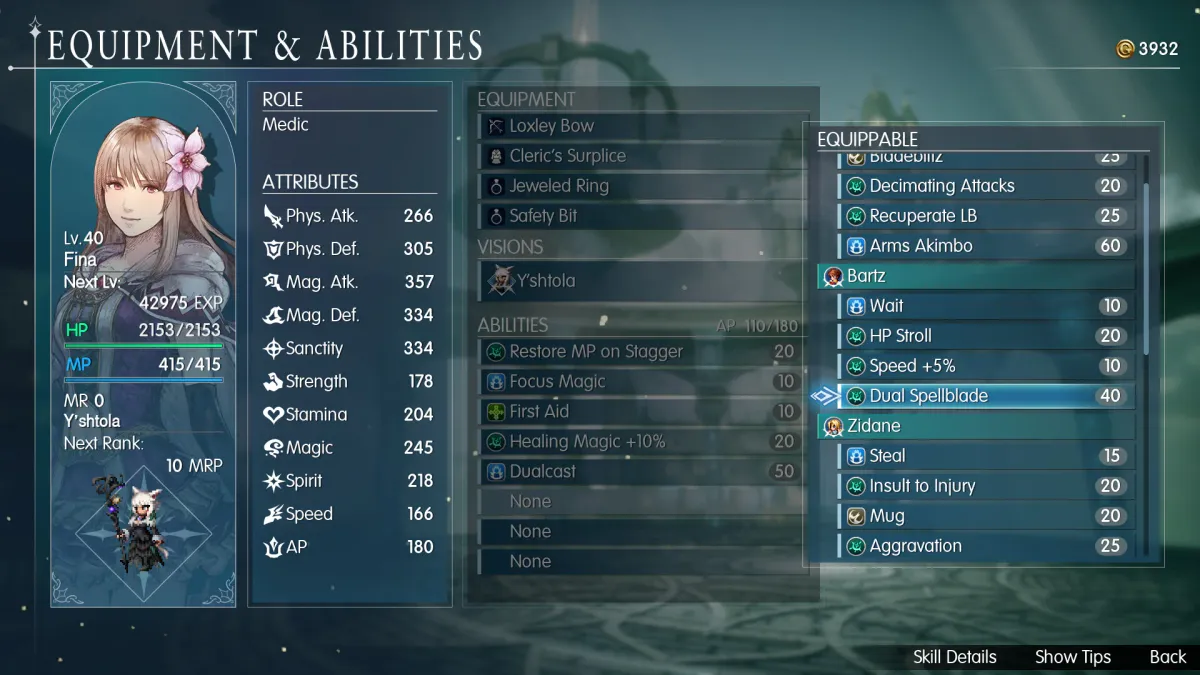
One Reddit post describes a demo-focused Vision or FFBE unit importer. The notes say that it can back up and restore data and customize unit names, skills, and attributes. Community videos show experiments that bring other characters into the Vision system, but these are demonstrations by third parties rather than a stable feature list.
Another community project publishes an ultrawide or black-bar fix through GitHub Releases. The source notes identify it as community code and do not establish which build it supports. The precise release version, supported aspect ratios, operating-system coverage, and whether it works with the full game are To be confirmed.
What should players check before installing?
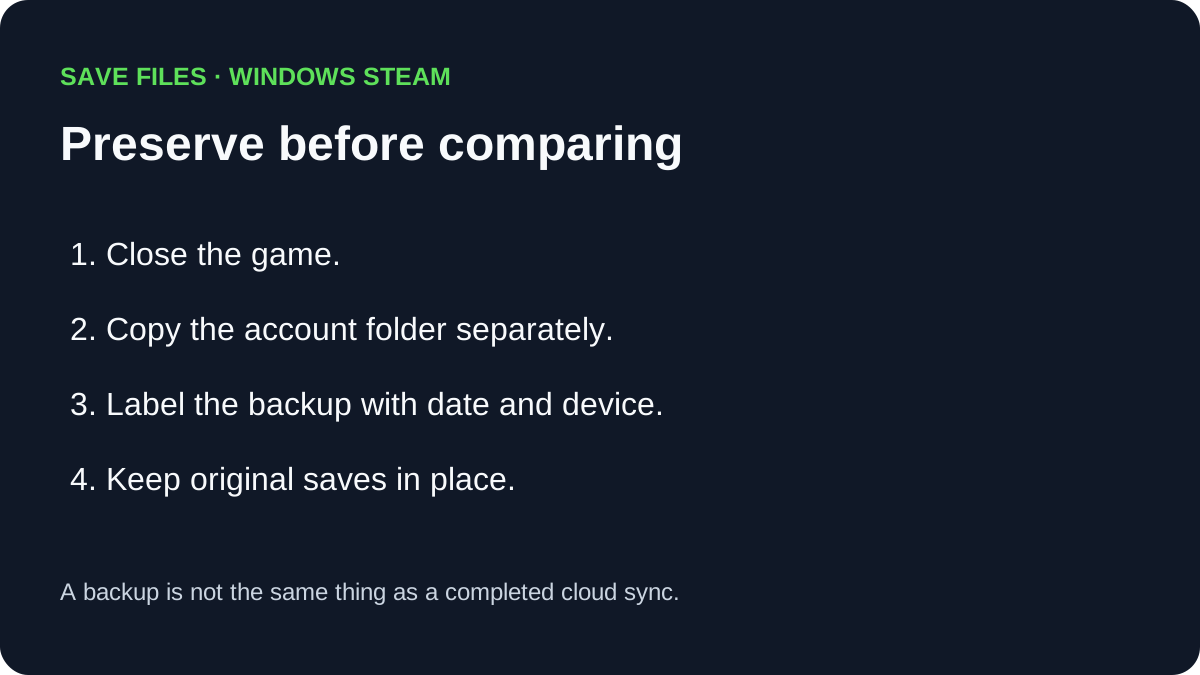
Start by identifying the exact game build and the exact release asset. Back up saves and configuration files before changing anything, and keep a clean copy that can restore the unmodified state. The collected importer notes mention backup and restore, while the ultrawide project notes make version and file-source checking essential.
Do not treat a video demonstration as a safety review. A mod can appear to work in a demo and still break after an update or fail in the full release. Check the project’s own release notes, scan files using the player’s normal security process, and stop if the source is unclear; the current material does not certify any package as safe.
A manual in-game save and a separate file backup serve different purposes. For the observed Windows Steam folder and backup steps, see the save-file location guide.
Could mods affect saves or online features?
The collected evidence is for a single-player RPG, and no official anti-cheat or online-service rule is recorded. That does not make compatibility risk disappear. A tool that edits Vision units, skills, attributes, or saves can produce behavior that the game does not expect, and a display fix can fail after a patch.
The safest public wording is that community mods exist, but their support status is unknown. The Switch 2 guide is unrelated to PC mod compatibility, and the Visions guide describes the intended system without endorsing imports. Full-game support, save integrity, anti-cheat implications, and publisher policy are To be confirmed.
Which mod claims are supported by the collected material?
The demo importer claim is supported only at the level of a community post and demonstration: players discuss backing up, restoring, and customizing imported Vision or FFBE units. The ultrawide claim is supported only at the level of a GitHub release project aimed at ultrawide or black-bar fixes. Neither source proves that the tool works on every build or that the project will continue after an update.
The official pages are useful here because they show what is absent. Square Enix does not list a mod SDK, and Steam does not list a Workshop or official mod tool in the collected notes. That absence does not prove that unofficial tools are forbidden, but it does mean that official compatibility and support are To be confirmed.
What is a conservative installation boundary?
Use only a release asset whose source and version can be identified, make a separate backup, and keep an unmodified copy of the game and save data. Test one change at a time and remove it if the game behaves unexpectedly. Do not install an importer or fix simply because a video demonstrates it on an earlier demo build.
The page should not provide invented file paths, launch commands, or security guarantees because the collected material does not include an official installation manual. A stable guide can be added when the project documents its supported build and recovery process. Until then, every compatibility, save, and safety conclusion is To be confirmed.
Related Articles
guides
How to Change Battle Speed in Final Fantasy Resonance
Find the battle-speed control on PC and distinguish combat speed from text and movement settings.
guides
Final Fantasy Resonance Steam Save File Location on Windows
Find the Windows Steam demo and full-game save folders and understand what a local backup does.
guides
Final Fantasy Resonance Controller Not Working on Steam: What to Check
Compare controller detection, input and in-game response in Final Fantasy Resonance without assuming a universal fix.
Was this helpful?
Thanks for the feedback!