
Can You Play Final Fantasy Resonance on PS4?
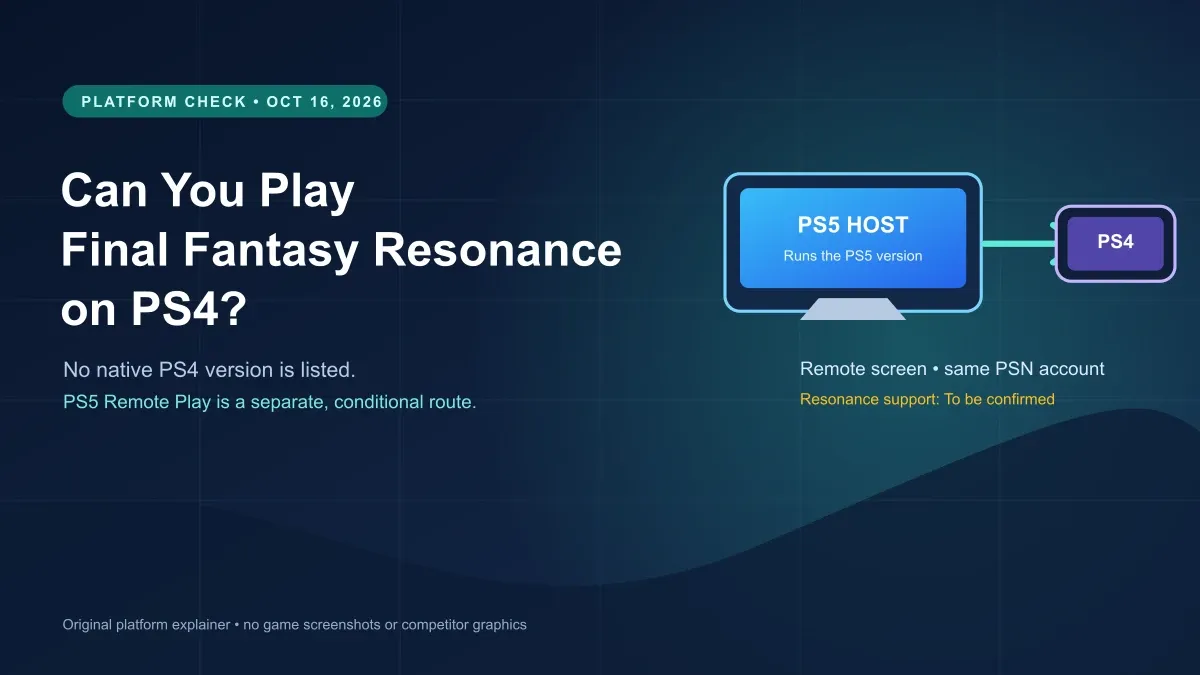
Final Fantasy Resonance has no PS4 version in Square Enix's listed platforms. PS5 Remote Play to PS4 is separate, and title support needs confirmation.
FAQ
Is there a native PS4 version of Final Fantasy Resonance?
Can I play the PS5 version on my PS4 with Remote Play?
Can I use a DUALSHOCK 4 for Final Fantasy Resonance through Remote Play?
Can you play Final Fantasy Resonance on PS4?
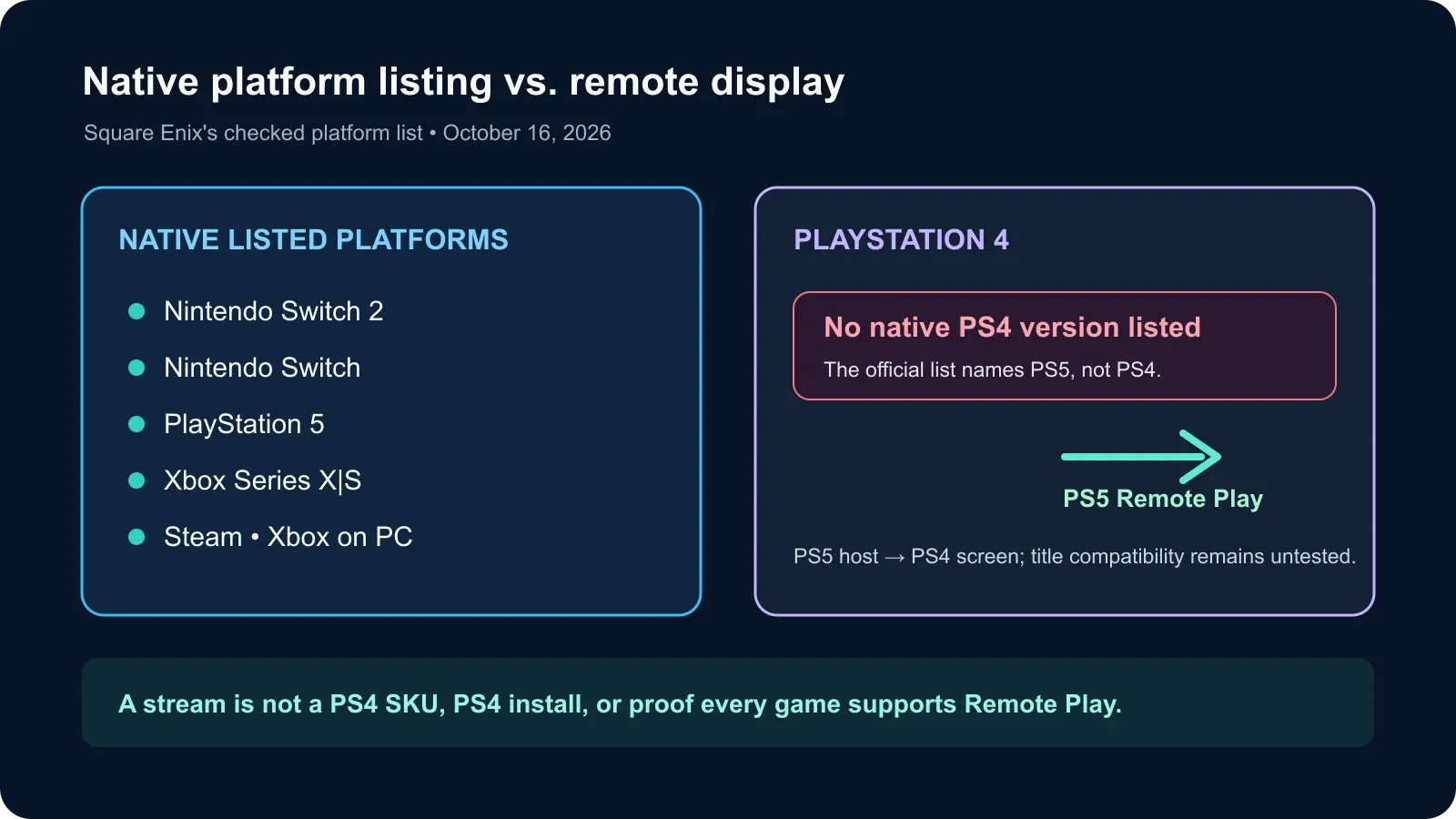
There is no native PS4 edition in Square Enix’s current platform list: it names Nintendo Switch 2, Nintendo Switch, PlayStation 5, Xbox Series X|S, Steam, and Xbox on PC. If you own the PS5 version, Sony documents a separate PS5-to-PS4 Remote Play route, but whether this game supports that stream is To be confirmed until a direct PS4-client test is available.
What does the official platform list confirm?
Square Enix’s product page lists six platform families for the game. The PlayStation entry is PlayStation 5; the list does not include PlayStation 4. The U.S. PlayStation Store product is also labeled a PS5 Version. These are the checked listings as of October 16, 2026; recheck the publisher’s page if it adds a platform later.
| What you have | What is currently confirmed | What it means for PS4 |
|---|---|---|
| PS5 | Square Enix lists PlayStation 5, and the U.S. PlayStation Store page is a PS5 product. | A native PlayStation version is confirmed for PS5. |
| PS4 | PS4 does not appear in Square Enix’s listed platforms or the checked PS Store product label. | No native PS4 edition is confirmed in the current list. |
| PS4 plus a PS5 | Sony’s Remote Play guide documents connecting from PS4 to PS5. | This is a streamed PS5 session, not a PS4 copy. Game-specific support is To be confirmed. |
For the full release-platform and regional date details, see the release-date guide. This page focuses on the PS4 question and the distinction between a console running a game and a console receiving its video stream. The separate PS Portal guide covers the PS5 handheld’s Remote Play and Cloud Streaming routes.
If you decide on the PS5 edition, the preload guide tracks what each store confirms about its download window.
Can a PS4 stream the PS5 version?
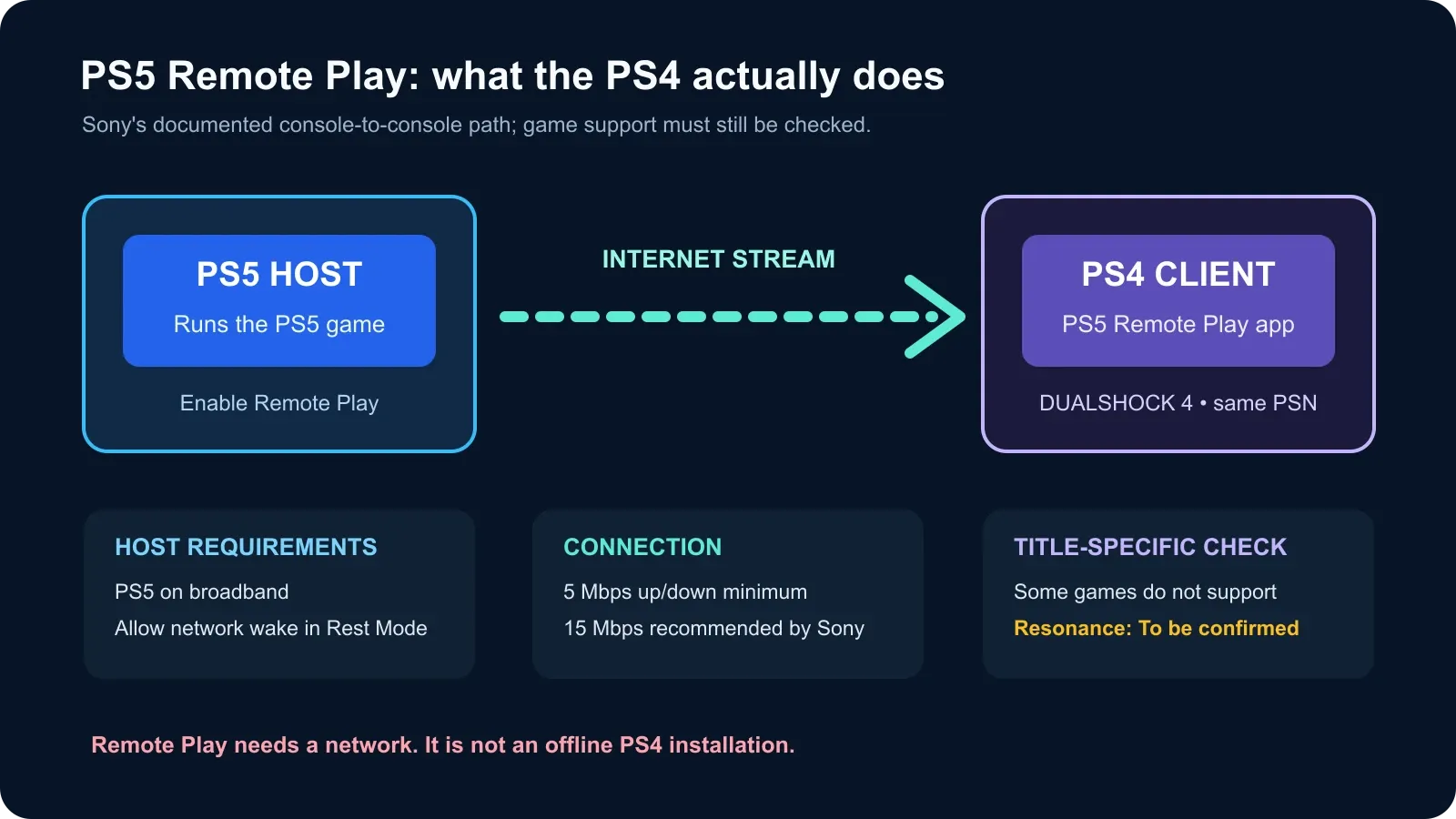
Sony documents a PS5 Remote Play app on PS4 that can connect to a PS5. When the connection works, the PS5 screen is shown on the PS4. The PS5 remains the host; the PS4 is the remote screen and control device.
Sony’s setup guide lists these requirements and steps:
- Use both consoles and the same PlayStation account. Sign in to the PS5 and PS4 with the same account. Sony lists a DUALSHOCK 4 wireless controller for this PS4 client route.
- Enable Remote Play on the PS5. On the PS5, open Settings → System → Remote Play and enable it. Sony says this setting needs to be turned on only the first time.
- Allow network wake if the PS5 will be in Rest Mode. Enable Stay Connected to the Internet and Enable Turning On PS5 from Network under the PS5’s Rest Mode features.
- Connect from the PS4. From the PS4 home screen, open PS5 Remote Play and choose Find Your PS5. If the consoles do not connect, sign in on the PS5 again and use Sony’s connection troubleshooting steps.
- Check the game itself. Sony notes that some games do not support Remote Play. The official material reviewed here does not confirm Resonance-specific compatibility, so do not buy a PS5 copy expecting this route to work until it has been tested.
Sony lists a minimum connection speed of 5 Mbps upload and download, with 15 Mbps recommended for better performance. Those are Remote Play service recommendations, not a game performance benchmark. See the console offline guide for the separate question of launching an installed console copy without a network connection; Remote Play itself is a network stream.
Is Remote Play the same as a PS4 version?
No. A native PS4 version would run as a PS4 product. Remote Play sends the PS5 console’s session to a compatible device; it does not add a PS4 SKU, install a PS4 build, or establish that every game supports streaming. If you only have a PS4, the current listings do not provide a confirmed way to play the game directly on that console.
Official sources checked October 25, 2026
- Square Enix Japan: Final Fantasy Resonance product page — current listed platforms are Switch 2, Switch, PS5, Xbox Series X|S, Steam, and Xbox on PC.
- U.S. PlayStation Store product page — identifies the product as a PS5 version.
- Sony: Control your PS5 console from a PS4 console — same-account requirement, DUALSHOCK 4, PS5 setup, PS4 app steps, and connection recommendations.
- Sony: PS Remote Play — compatible-device requirements and the general caveat that some games do not support Remote Play.
The official sources confirm the listed platforms and the general PS4-to-PS5 Remote Play path. They do not confirm whether the released game supports Remote Play from a PS4; that device-specific behavior remains To be confirmed until a direct test or title-specific official statement is available.
Gallery
Related Articles
guides
Can You Play Final Fantasy Resonance on Steam Link?
Steam Remote Play can stream between computers, but the current game listing does not confirm Steam Link phone or TV support.
guides
Can You Play Final Fantasy Resonance on PS Portal?
The U.S. PlayStation Store lists PS Portal cloud streaming for Final Fantasy Resonance with Premium. Compare it with Remote Play from your PS5.
guides
Does Final Fantasy Resonance Have Controller Vibration?
Steam confirms controller support for Final Fantasy Resonance, but its listing does not confirm rumble or haptics in the released game.
Was this helpful?
Thanks for the feedback!