
Final Fantasy Resonance on Steam Deck and the Verified Badge
Steam lists Final Fantasy Resonance as Steam Deck Verified. See Valve's checks and what the badge does not reveal about performance.
FAQ
Can I play the Steam version of Final Fantasy Resonance on Steam Deck?
Does Verified mean Final Fantasy Resonance runs at 60 fps on Steam Deck?
Does the Verified badge show battery life or graphics settings?
Does Verified tell me to choose Steam Deck over PS5 or Switch 2?
Is Final Fantasy Resonance Steam Deck Verified?
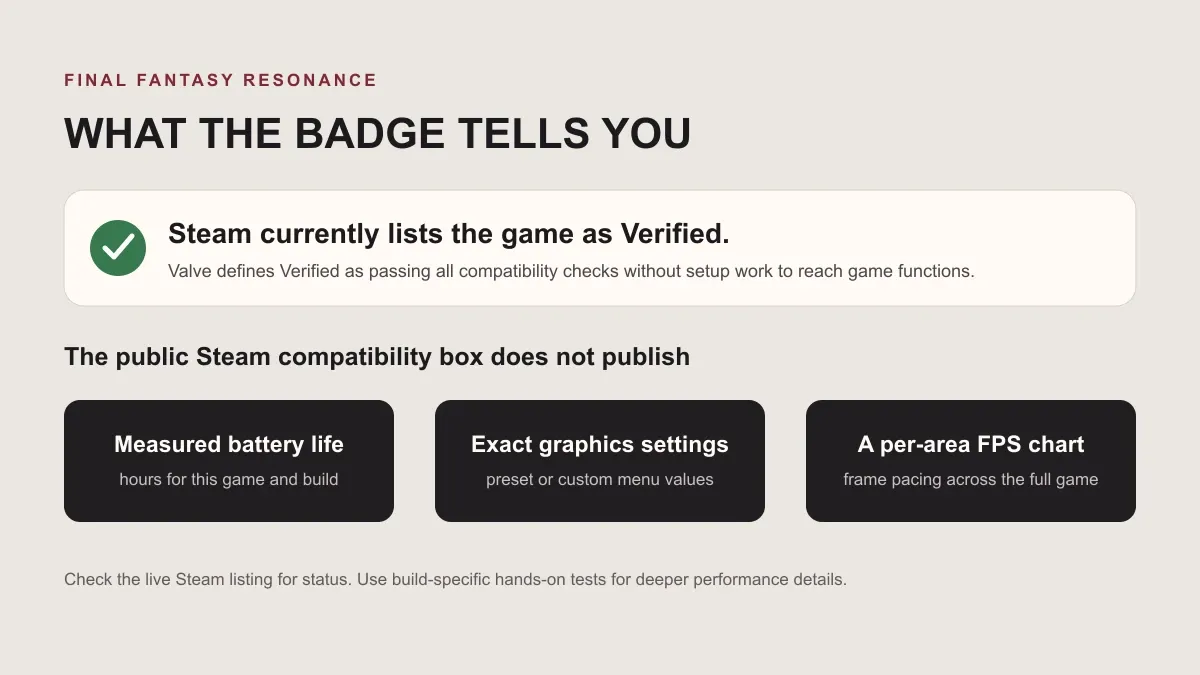
Yes. Steam’s current product page shows Steam Deck Compatibility: Verified for Final Fantasy Resonance. Valve defines the rating as a pass across its compatibility checks, with no setup work required for players to reach the game’s features.
The product page also lists full controller support. Its public compatibility box gives the badge, while Valve’s separate Steamworks documentation explains the review standard. The standard covers default controls, input glyphs, display support, interface readability, and baseline performance.
What does Steam Deck Verified check?
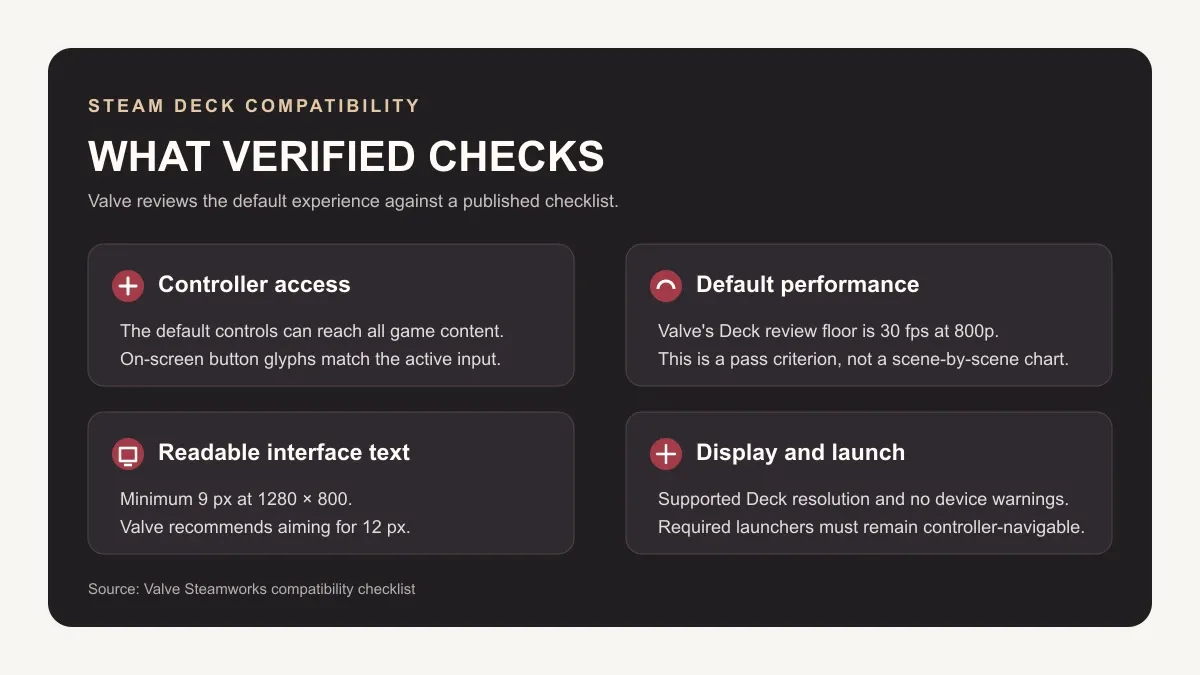
Valve’s review asks whether the default experience works on the device without extra setup. The published criteria include a playable default frame rate of 30 fps at 800p on Steam Deck, support for a Deck-compatible resolution, and interface text that remains legible at handheld distance.
| Review area | Valve’s published Steam Deck criterion | What the badge indicates |
|---|---|---|
| Controls | The default controller setup must access all content, and the displayed button glyphs must match the active input. | The reviewed configuration passed Valve’s input checks. |
| Default performance | The default configuration must reach a playable 30 fps at 800p on Deck. | The game passed Valve’s baseline check. Steam does not show a per-scene performance chart in the compatibility box. |
| Interface text | The smallest interface text must be at least 9 px high at 1280 × 800. Valve recommends aiming for 12 px. | The reviewed interface passed the published legibility requirement. |
| Display and launch | The game must support a Deck resolution and avoid unsupported-device warnings. Any required launcher must work with controller navigation. | The review covers these compatibility conditions as part of the badge. |
Does the badge give a Steam Deck performance benchmark?
The badge gives a compatibility result. It does not publish this game’s measured battery runtime, exact graphics menu values, frame pacing across locations, or a detailed launch-build report. Those figures are useful when choosing settings, and they require a separate test on a named device and game build.
Keep the Windows PC specifications in their own context. Steam lists the PC minimum target as 1920 × 1080 at 30 fps on Low and the recommended target as 1920 × 1080 at 60 fps on Highest. Valve’s Deck review has its own 800p compatibility threshold. The Windows targets do not establish a Steam Deck preset or performance trace. See the PC system requirements guide for the full Windows specification table.
Is Steam Deck a portable PC option for this game?
Yes. The current Verified label is useful if you are considering the Steam edition for portable PC play. It says the reviewed setup passed Valve’s compatibility checks. It does not compare Steam Deck with PS5, Switch, or Switch 2, and it does not provide battery or graphics-setting measurements.
The full game is scheduled for October 22, 2026, and Steam currently offers a demo. The verified label is visible before launch, so check the live product page again when buying and look for a hands-on report that names its device and build if you need detailed performance data. The demo guide explains the trial’s scope, and the Switch 2 guide records the Nintendo version differences.
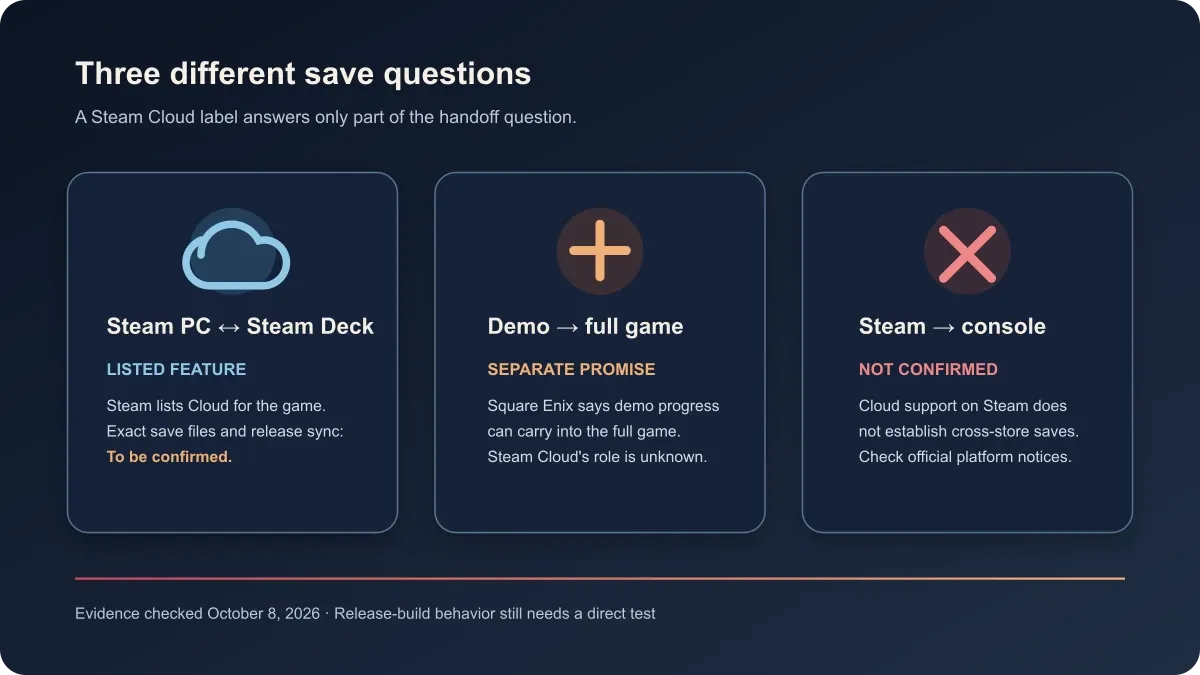
Steam Deck Verified does not identify which save files sync through Steam Cloud. For a cautious PC-to-handheld handoff checklist and the difference between cloud sync and demo carryover, see the Steam Cloud saves guide.
Sources
Gallery
Related Articles
guides
How to Change Battle Speed in Final Fantasy Resonance
Find the battle-speed control on PC and distinguish combat speed from text and movement settings.
guides
Final Fantasy Resonance Steam Save File Location on Windows
Find the Windows Steam demo and full-game save folders and understand what a local backup does.
guides
Final Fantasy Resonance Controller Not Working on Steam: What to Check
Compare controller detection, input and in-game response in Final Fantasy Resonance without assuming a universal fix.
Was this helpful?
Thanks for the feedback!