
Does Final Fantasy Resonance Have Controller Vibration?
Steam confirms controller support for Final Fantasy Resonance, but its listing does not confirm rumble or haptics in the released game.
FAQ
Is vibration confirmed in the released game?
Does Steam Deck Verified mean vibration works?
Does the Steam listing support DualSense over Bluetooth?
Is controller vibration confirmed in Final Fantasy Resonance?
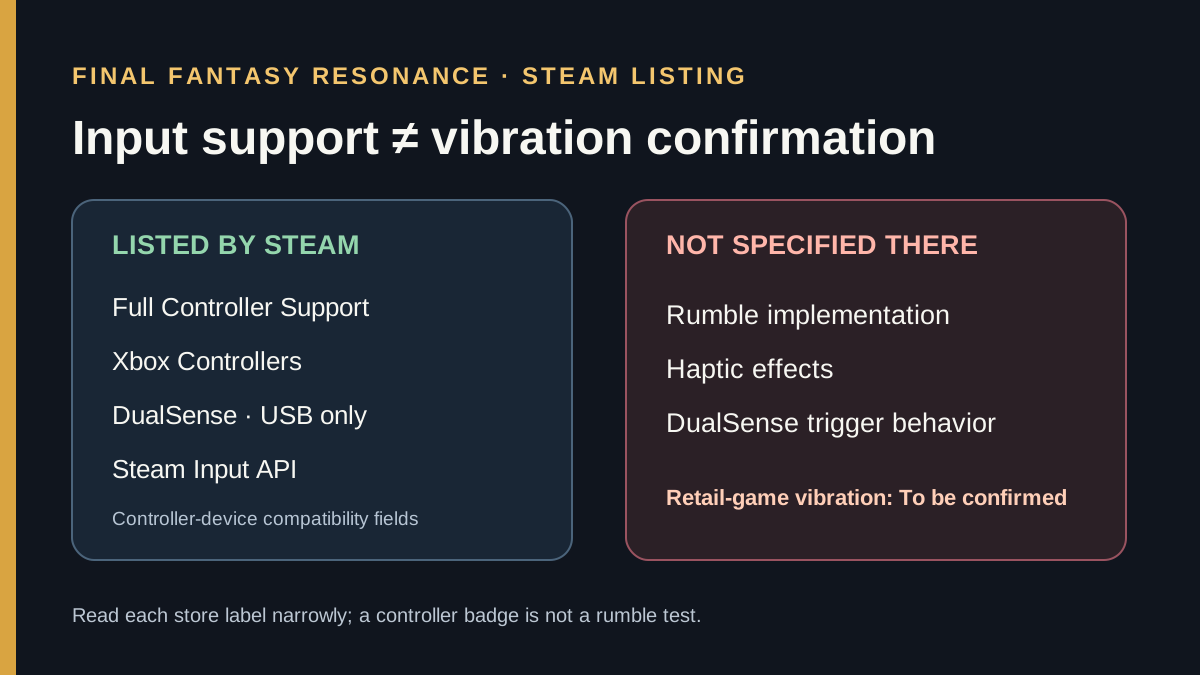
Not yet from the available first-party evidence. As checked on October 24, 2026, Steam lists full controller support, Xbox controllers, DualSense controllers over USB, and the Steam Input API. Its public feature list does not specify whether the game sends vibration or haptic feedback. The released game’s rumble behavior is To be confirmed.
What Steam’s controller labels confirm
The official Steam listing names several controller-related fields. They answer different compatibility questions; none of the visible labels is a game-specific vibration result.
| Steam listing field | What it confirms | What it does not confirm |
|---|---|---|
| Full Controller Support | Steam identifies the product as supporting controller play. | Whether the game sends rumble or haptic effects. |
| Xbox Controllers | Xbox controllers are named among the supported device types. | Which vibration effects a particular controller receives. |
| DualSense Controllers (USB Only) | Steam’s listing specifies USB for the named DualSense support. | Adaptive triggers, advanced haptics, or vibration behavior. |
| Steam Input API | The product listing names Steam’s input API. | Whether this game implements its vibration output features. |
| Steam Deck Verified | Steam displays the Deck compatibility result. | A title-specific rumble test or vibration guarantee. |
Valve’s Steam Input documentation describes how games and Steam can handle controller input, including rumble on supported hardware. That documents capability in the platform; it does not establish that Final Fantasy Resonance calls a vibration feature. Likewise, Steam Deck compatibility criteria include controller access, but the public status does not publish this game’s haptics test.
A careful check if your controller has no rumble
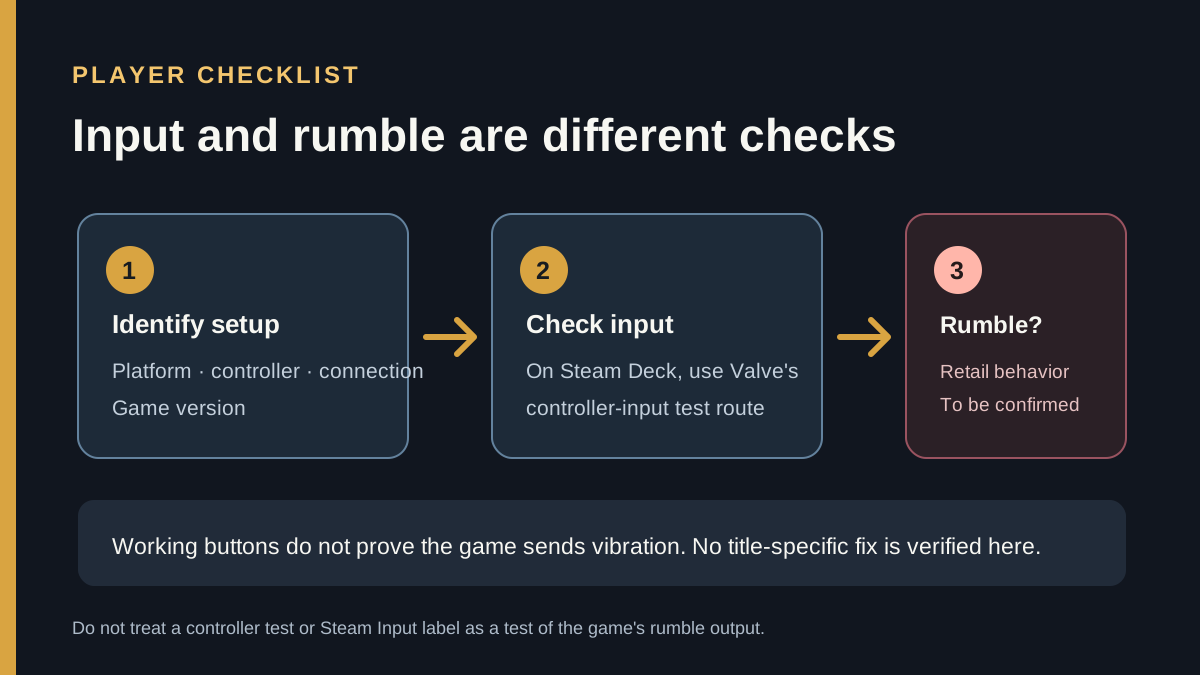
Keep controller input and vibration output as separate checks. If buttons and sticks work in the game but you feel no vibration, that confirms the input path is responding; it does not tell you whether the game is meant to send rumble.
- Note the platform, controller model, connection type, and game version. Steam’s listing currently specifies USB for its DualSense controller support.
- On Steam Deck, Valve’s support guide provides a controller-input test at Steam → Settings → Controller → Test Controller Inputs. This can help check input recognition; it is not documented as a Final Fantasy Resonance rumble test.
- Check the game’s current settings for a vibration option if one is shown. The retail menu behavior has not been verified here, so do not assume a setting exists.
- If the controller works elsewhere but the game remains silent, record the build and report the game-specific behavior as unconfirmed. There is no verified Final Fantasy Resonance-specific Steam Input toggle or fix in the sources below.
The question is narrower than the Steam Deck Verified guide, which explains Valve’s compatibility badge, or the accessibility options guide, which records Steam’s listed features. The demo guide covers the earlier trial, but a demo-era controller report does not establish retail-build behavior. Neither a controller badge nor a Steam Input label replaces a direct rumble test.
Official sources
- Steam: FINAL FANTASY RESONANCE — controller support, Xbox controllers, DualSense USB-only support, Steam Input API, and Steam Deck status; checked October 24, 2026.
- Valve: Steam Input documentation — general controller configuration context; checked October 24, 2026.
- Steam Support: Steam Deck basic use and troubleshooting — controller-input test route; checked October 24, 2026.
- Valve: Steam Deck compatibility review criteria — published compatibility criteria; checked October 24, 2026.
These sources confirm the Steam edition’s controller labels, not whether vibration is present in the released game. The demo discussion that prompted this question is kept in the internal research log and is not used as proof or linked here.
Gallery
Related Articles
guides
How to Change Battle Speed in Final Fantasy Resonance
Find the battle-speed control on PC and distinguish combat speed from text and movement settings.
guides
Final Fantasy Resonance Steam Save File Location on Windows
Find the Windows Steam demo and full-game save folders and understand what a local backup does.
guides
Final Fantasy Resonance Controller Not Working on Steam: What to Check
Compare controller detection, input and in-game response in Final Fantasy Resonance without assuming a universal fix.
Was this helpful?
Thanks for the feedback!