
Final Fantasy Resonance Accessibility Options: Steam's Five Features
Steam lists five accessibility features for Final Fantasy Resonance, but its store page does not explain every setting or confirm console feature parity.

What accessibility options does Final Fantasy Resonance have?
Steam currently lists five accessibility features for Final Fantasy Resonance: adjustable difficulty, custom volume controls, play without Quick Time Events, a keyboard-only option, and play at your own pace. The store page does not explain their menu paths, individual settings, or console availability. A separate hands-on PC guide documents the difficulty choices and menu; details for other settings and console parity are To be confirmed.
| Steam feature | What is confirmed and what remains unknown |
|---|---|
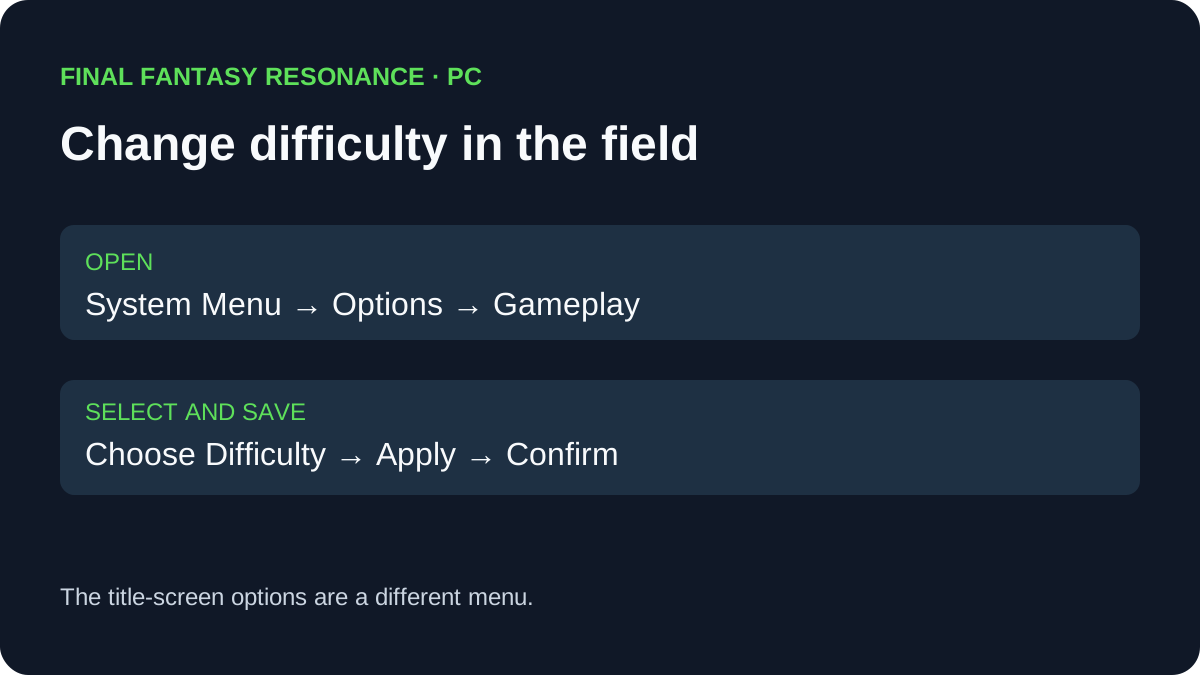
| Adjustable difficulty | Listed on Steam. A separate hands-on PC guide shows Casual, Normal and Expert and the in-game options path; exact stat changes are To be confirmed. |
| Custom volume controls | Listed on Steam. Audio channels and adjustment ranges are To be confirmed. |
| Playable without Quick Time Events | Listed on Steam. Which sequences it covers and how it works are To be confirmed. |
| Keyboard-only option | Listed for the Steam version. Key bindings, remapping, and pointer behavior are To be confirmed. |
| Playable at your own pace | Listed as an accessibility feature. The timing or pacing behavior it describes is To be confirmed. |
For the observed PC menu path and choice descriptions, see how to change difficulty.
Can you play without Quick Time Events?
Yes, Steam lists “Playable without Quick Time Events” for its version of the game. That confirms the store’s feature label; it does not explain how the option works or identify which sequences use it. The implementation details are To be confirmed.
Does the listing confirm text, color, or screen-reader options?
No such detail is identified in the five Steam accessibility entries. Text size, contrast, color alternatives, screen-reader support, and subtitle controls are To be confirmed; the store listing does not establish whether those options are present or absent in the game.
Is there a setting to skip battle animations?
The Steam product page does not list an animation-skip setting. Its “play at your own pace” label is not enough to confirm one, so animation skipping is To be confirmed. Check the full game’s settings after release for the exact option.
Do these features also apply to console versions?
The five entries appear on Steam’s PC product page. They do not establish feature parity for PlayStation 5, Xbox Series X|S, Nintendo Switch, or Switch 2. Console-specific settings are To be confirmed until the corresponding listing or in-game menus document them.
The same Steam page separately lists full controller support and names Xbox controllers and DualSense controllers over USB. Controller support is a different listing field from the five accessibility entries; it does not describe remapping or the options available on other platforms. See the PC requirements guide for system specs and the Steam Deck guide for what the compatibility badge verifies.
For the playable trial’s confirmed scope and carryover, see the Chapter 1 demo guide. The demo and Steam store fields should not be treated as proof that every platform exposes the same settings.
Official source
-
FINAL FANTASY RESONANCE on Steam — accessibility labels and Steam input-support fields, checked October 6, 2026.
-
All Things How: Difficulty settings and in-game menu — hands-on PC menu screenshots; checked November 4, 2026.
Related Articles
guides
How to Change Battle Speed in Final Fantasy Resonance
Find the battle-speed control on PC and distinguish combat speed from text and movement settings.
guides
How to Save in Final Fantasy Resonance
Find the manual save option on the field map and use save points in towns and dungeons.
guides
How to Change Difficulty in Final Fantasy Resonance
Change Casual, Normal or Expert difficulty from the gameplay options and see what the selection screen confirms.
Was this helpful?
Thanks for the feedback!