
How to Fast Travel in Final Fantasy Resonance
Use the Map destination list, understand dungeon restrictions, and distinguish Fast Travel from save-point Teleport.
FAQ
Can I Fast Travel out of a dungeon?
Why is a destination missing?
How do you Fast Travel?
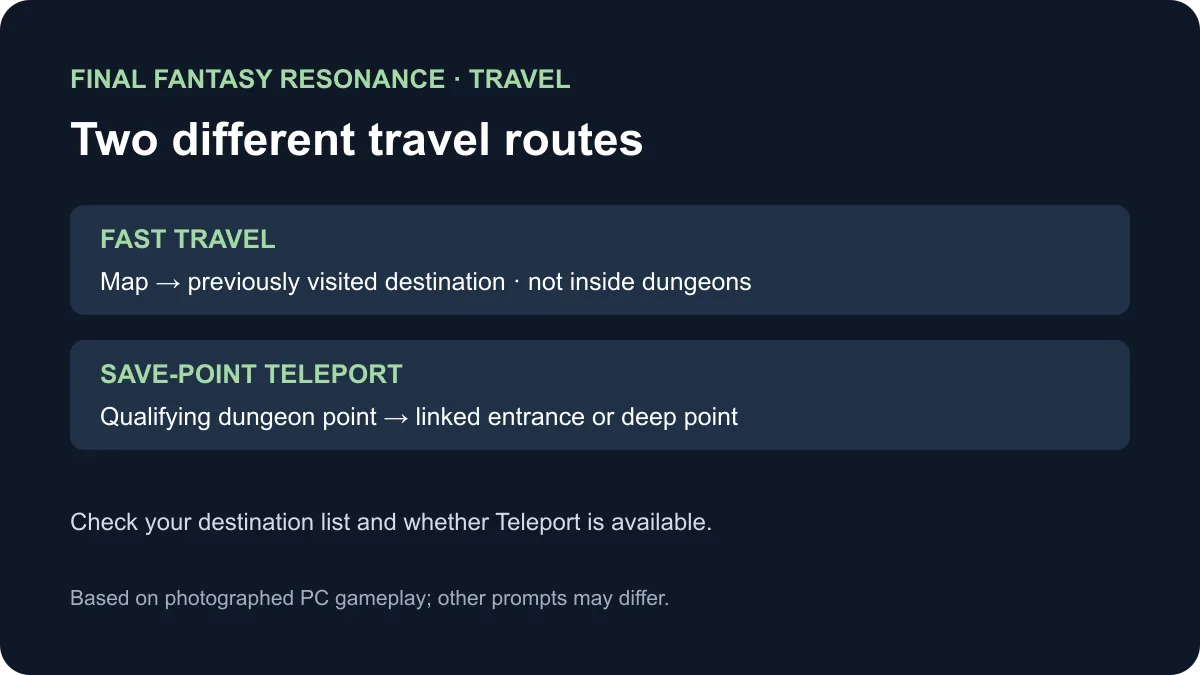
Open Map from the Main Menu, then select a previously visited destination. The photographed in-game tutorial says Fast Travel cannot be used from inside dungeons. In the documented PC setup, M opens Map and 1 opens the destination list; prompts on other platforms are To be confirmed.
Choose the right route for where you are
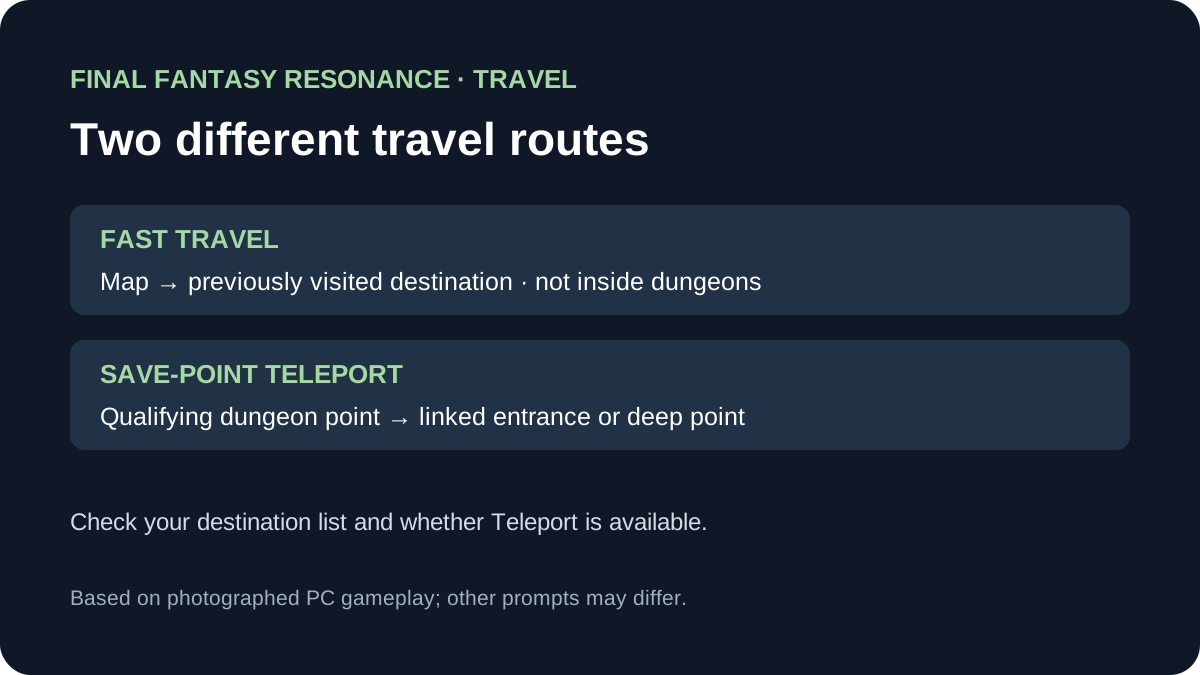
The in-game tutorial and the photographed PC menus describe two different travel actions. The comparison below separates destination eligibility from the place where you start.
| Current situation | Action to check | What it changes |
|---|---|---|
| On the field map or in a town | Open Map and select a visited destination | Fast Travel moves to the chosen available place. |
| Inside a dungeon | Leave the dungeon before using Map Fast Travel | The tutorial explicitly restricts Fast Travel inside dungeons. |
| At a qualifying dungeon save point | Check for the separate Teleport command | The observed tutorial describes travel between that dungeon’s entrance and deepest save points; it is not the world destination list. |
| The intended place is missing | Inspect the destination-list tabs and your visit history | The tutorial refers to previously visited locations; the complete set of eligibility rules is To be confirmed. |
The PC walkthrough shows separate Towns, Dungeons and Sanctums tabs. It also shows a confirmation that initially selects No, so inspect the confirmation before choosing Yes. These observations are from one PC setup; other device controls may differ.
How can you combine the two actions?
For a dungeon already in the destination list, the photographed walkthrough describes a two-stage route: select the dungeon from the field map, then use an available Teleport at its entrance save point to reach its deeper partner. This depends on the relevant Teleport being available; do not assume every save point has one. For the reverse journey, use the qualifying save-point Teleport to return to the entrance, leave the dungeon, then open the Map.
The exact point at which Fast Travel first unlocks is To be confirmed: two inspected hands-on reports place its introduction at different Chapter 1 moments. The limitation and destination rules above come from the photographed in-game tutorial, not from choosing between those conflicting unlock claims.
See manual saving for save-point interaction, Quick Heal for recovery before leaving, and the walkthrough for story navigation.
Sources
- All Things How: Saving and Fast Travel — photographed PC tutorial, destination list and save-point Teleport; checked November 10, 2026.
- Kingy: Getting around — first-hand travel observations and an alternative report of when the feature unlocks; checked November 10, 2026.
Gallery
Related Articles
guides
Why Are Vision Abilities Greyed Out in Final Fantasy Resonance?
Understand the E marker, equipped Visions, learned abilities and AP before changing your setup.
guides
How to Change Party Members in Final Fantasy Resonance
Use the Party menu to make room for a reserve and check the four-member limit.
guides
How to Use Quick Heal in Final Fantasy Resonance
Find Quick Heal on PC, understand its MP cost, and compare it with tents and revival items.
Was this helpful?
Thanks for the feedback!