
How to Change Party Members in Final Fantasy Resonance
Use the Party menu to make room for a reserve and check the four-member limit.
FAQ
Why can't I select a reserve character?
Does changing the battle party change who walks around?
How do you change the active party?
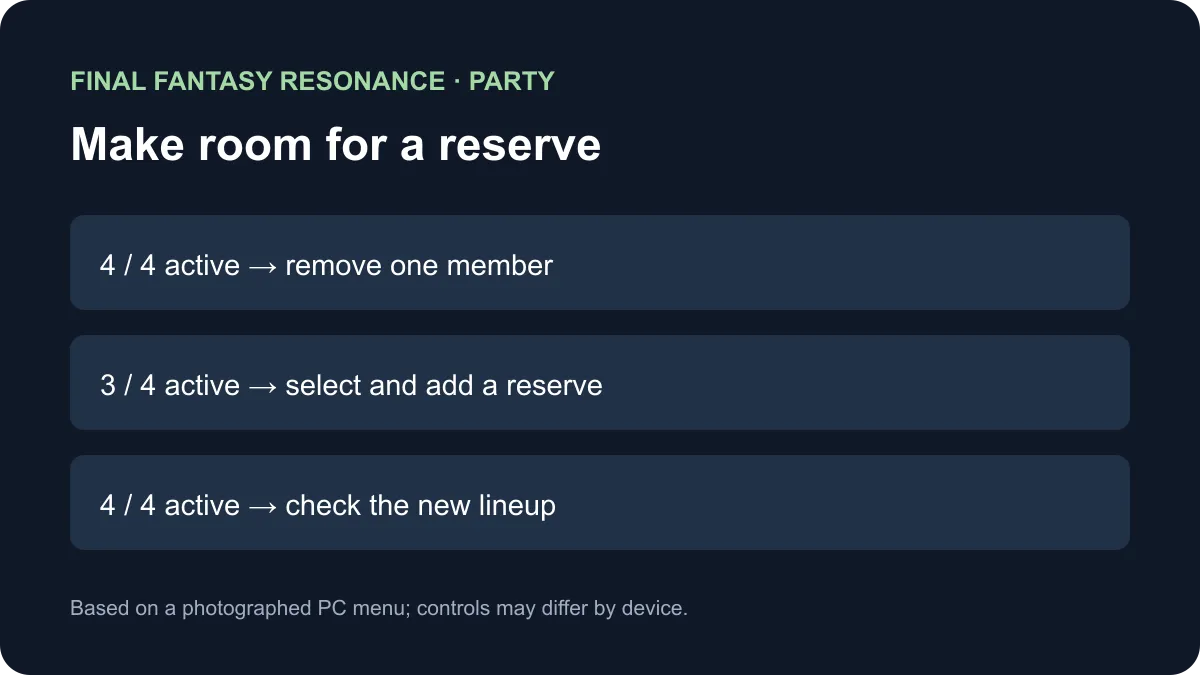
Outside battle, open the Main Menu and select Party. In a photographed PC playthrough with all four slots occupied, the player removed an active member, then selected and added a reserve. The in-game tutorial states that the active party has a maximum of four members.
Check the slot count before selecting a reserve
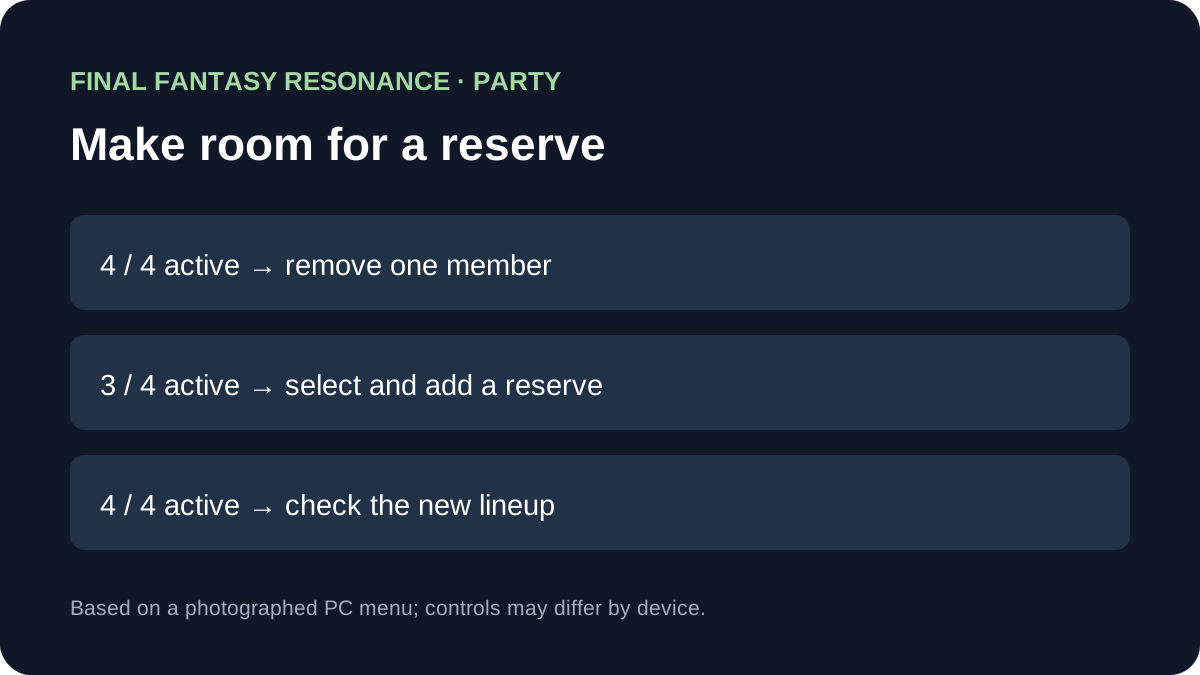
A reserve may be visible but unavailable while the party is full. This table separates the observed roster state from the next action; it does not assume the same physical button on every platform.
| What the Party screen shows | Action in the photographed PC setup | What to check afterward |
|---|---|---|
| Four active members, with a reserve greyed out | Select an active member and choose Remove from Party | The displayed count drops from 4/4 to 3/4. |
| An open slot and a selectable reserve | Select that reserve and choose Add to Party | The reserve fills a slot and the count returns to 4/4. |
| Four active members after the change | Exit the Party screen | Review the displayed lineup before the next fight. |
The documented PC setup opens the Main Menu with Tab and uses F to select the remove and add actions. Key assignments and prompts on other devices are To be confirmed. The observed menu also kept the benched character’s equipment on that character; inspect your own equipment before making assumptions about a different version.
Does the reserve stop progressing?
In one photographed PC encounter, the post-battle Growth screen included the benched character and displayed EXP gained. That is a direct observation for the illustrated battle, not proof that every reward or progression system works identically for reserves. Mastery and other reward rules are To be confirmed here.
A player asked about changing the character who walks around. The Party screen demonstrated above selects the battle lineup; the field character’s behavior in every area and story scene is To be confirmed. Treat the two questions separately before changing the party.
For the named cast see the party roster; for healing before the next encounter see Quick Heal. The battle-system guide covers combat mechanics.
Sources
- All Things How: Party menu walkthrough — photographed PC Party Selection tutorial, roster states and a post-battle Growth screen; checked November 11, 2026.
Gallery
Related Articles
guides
Why Are Vision Abilities Greyed Out in Final Fantasy Resonance?
Understand the E marker, equipped Visions, learned abilities and AP before changing your setup.
guides
How to Fast Travel in Final Fantasy Resonance
Use the Map destination list, understand dungeon restrictions, and distinguish Fast Travel from save-point Teleport.
guides
How to Use Quick Heal in Final Fantasy Resonance
Find Quick Heal on PC, understand its MP cost, and compare it with tents and revival items.
Was this helpful?
Thanks for the feedback!