
Why Are Vision Abilities Greyed Out in Final Fantasy Resonance?
Understand the E marker, equipped Visions, learned abilities and AP before changing your setup.
FAQ
Why can't I equip my current Vision's abilities again?
Does every greyed-out ability have the same cause?
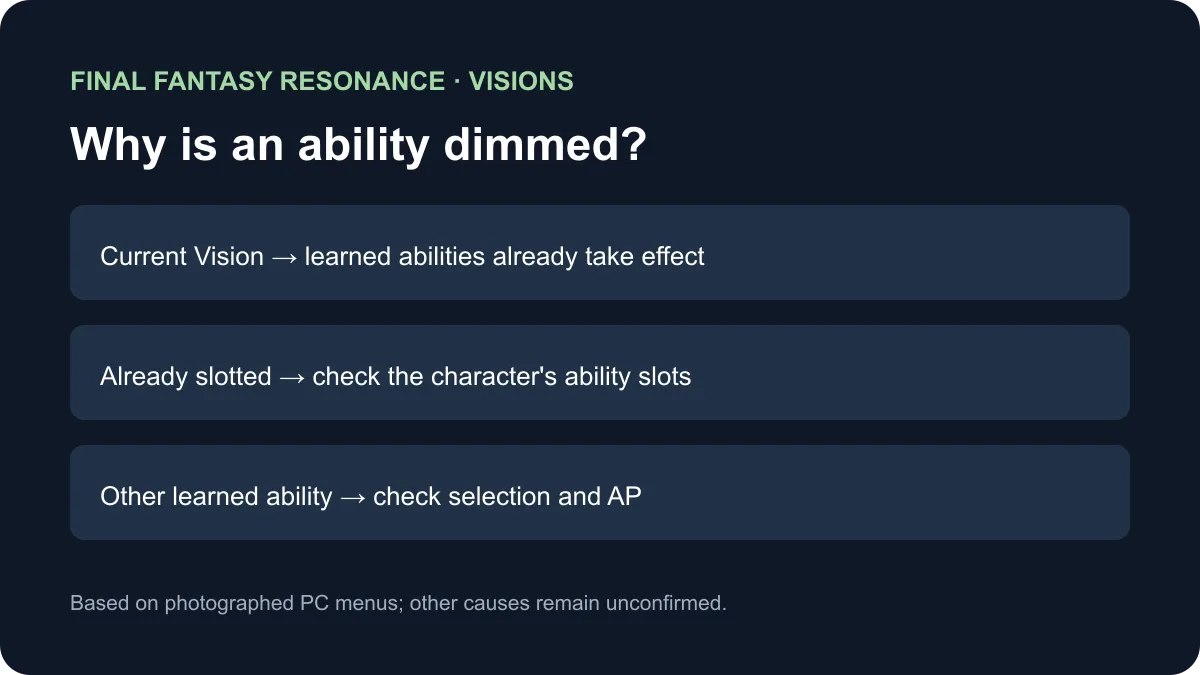
Why is an ability greyed out?
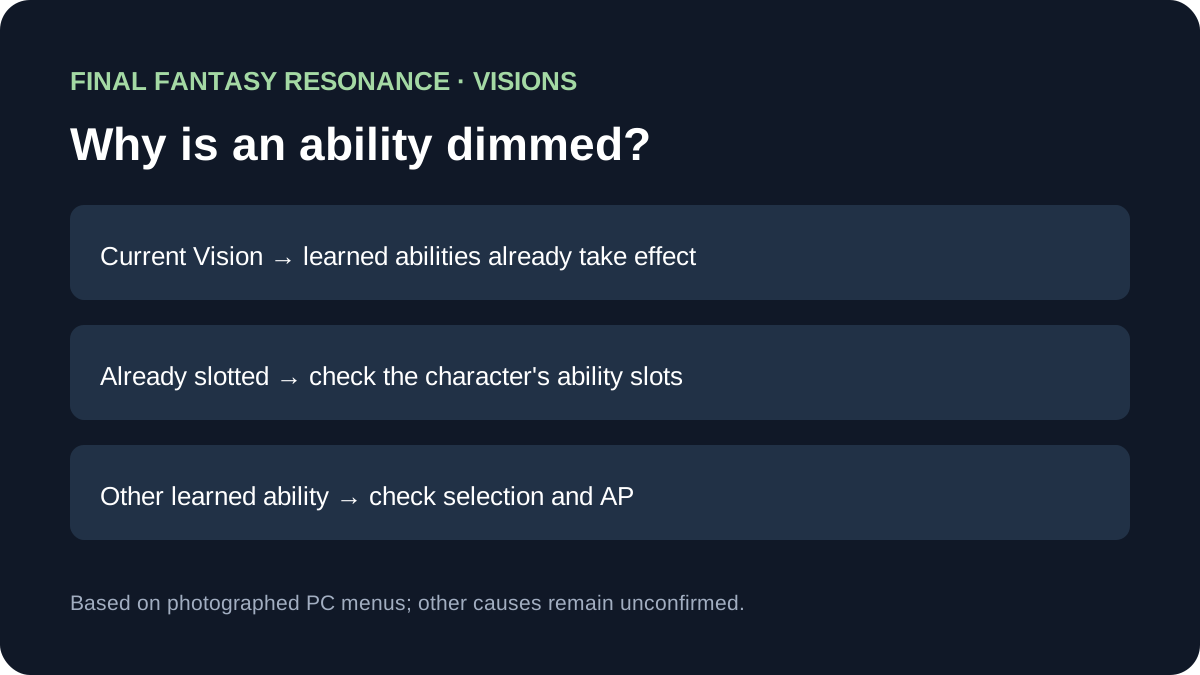
In the photographed PC menu, abilities from a character’s currently equipped Vision appear dimmed with an E marker because those abilities already take effect. The in-game tutorial says they do not need to be equipped separately. A manually slotted ability can also display E, so inspect both the Vision and the character’s slots.
Read the state before spending AP
The photographed tutorial and PC menu show different ways an ability can be active. This comparison keeps the marker’s possible contexts separate rather than treating every dimmed row as an error.
| What you see | What the documented PC example shows | What to inspect |
|---|---|---|
| A learned ability belongs to the character’s equipped Vision | It is dimmed and marked E; the tutorial says equipped-Vision abilities take effect automatically. | Check the currently equipped Vision first. |
| A learned ability is already placed in an ability slot | The photographed row also becomes dimmed and marked E. | Check the character’s occupied slots before making another change. |
| A learned ability from a different, unequipped Vision appears selectable | The player can choose it for an empty slot within the character’s AP budget. | Check the character, learned ability, empty slot and AP counter. |
| A row remains unavailable for another reason | The inspected screenshots do not establish every possible reason. | Treat the cause as To be confirmed rather than assuming a bug. |
For example, the walkthrough shows a character wearing Leah while a previously learned Warrior of Light ability is selectable. The result belongs to that character’s own learned abilities; do not assume another character has the same unlocks.
How do you check your setup?
- Open Equipment & Abilities from the Main Menu and choose the character whose row is dimmed.
- Check that character’s equipped Vision and existing ability slots. An E marker alone does not distinguish every source of an active ability.
- For a selectable learned ability from another Vision, choose an empty slot and review the AP counter. The illustrated PC setup uses a character-specific AP budget.
The photographed tutorial supports the automatic effect of the equipped Vision. It does not establish every platform prompt or the reason for every disabled row; those cases remain To be confirmed. See the Visions overview for the system, party change for the active lineup, and battle basics for combat.
Sources
- All Things How: Ability slots and AP — photographed PC ability lists, E markers and AP counters; checked November 12, 2026.
- All Things How: Vision equipment — photographed in-game tutorial explaining equipped-Vision abilities; checked November 12, 2026.
Gallery
Related Articles
guides
How to Change Party Members in Final Fantasy Resonance
Use the Party menu to make room for a reserve and check the four-member limit.
guides
How to Fast Travel in Final Fantasy Resonance
Use the Map destination list, understand dungeon restrictions, and distinguish Fast Travel from save-point Teleport.
guides
How to Use Quick Heal in Final Fantasy Resonance
Find Quick Heal on PC, understand its MP cost, and compare it with tents and revival items.
Was this helpful?
Thanks for the feedback!