
How to Change Battle Speed in Final Fantasy Resonance
Find the battle-speed control on PC and distinguish combat speed from text and movement settings.
FAQ
Can I speed up battles in Final Fantasy Resonance?
Does changing text speed change battle speed?
How do you speed up a battle?
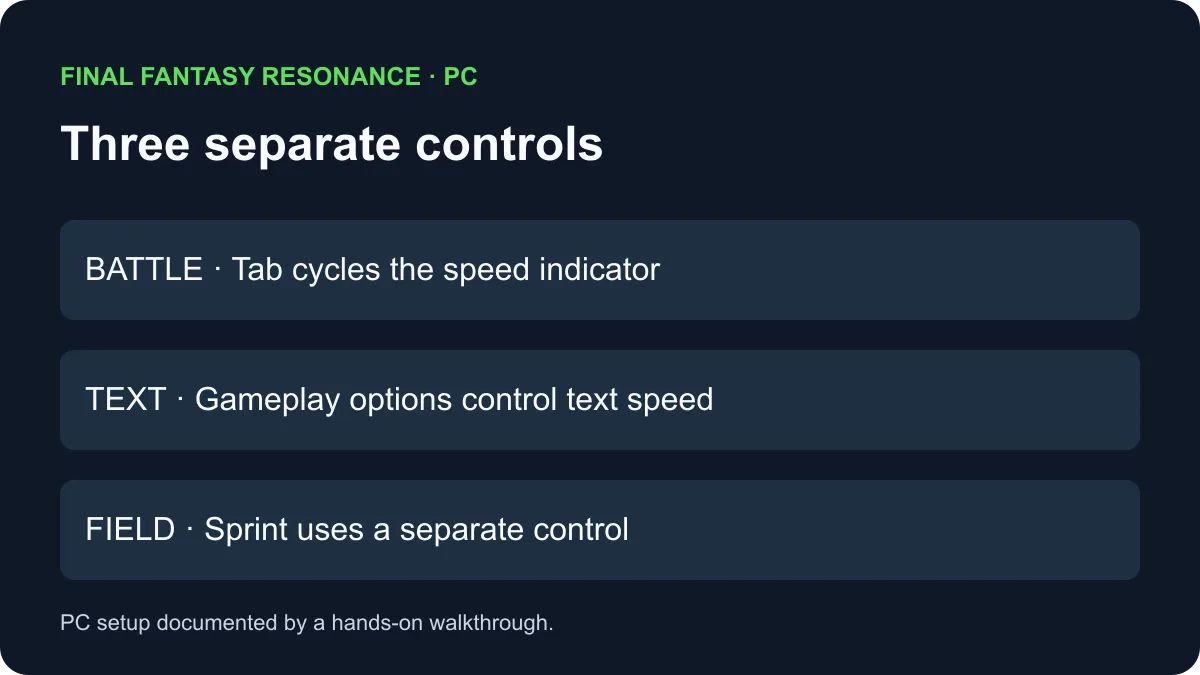
On the PC setup shown in a hands-on walkthrough, press Tab during battle to cycle the Battle Speed indicator. The walkthrough identifies Y on a controller for that setup. The developers described 1.5× and 2× battle-speed options; prompts on other devices or game versions are To be confirmed.
Where should you look?
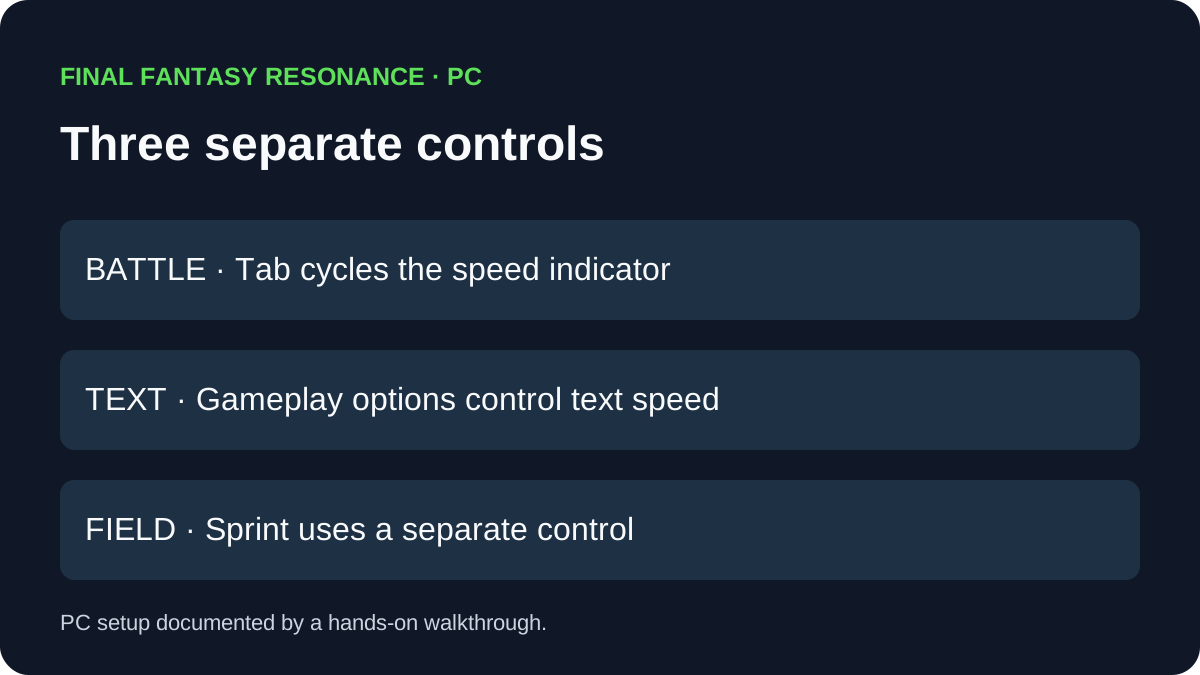
The documented PC screens distinguish an in-battle control from settings for other activities. Keep these separate when deciding what you want to change.
| Goal | Observed PC route | What it does not establish |
|---|---|---|
| Change the pace of a battle | Press Tab while the battle command menu is open and watch the arrow indicator. | The physical button on every controller or platform. |
| Check or change the PC binding | Open Options → Keyboard and look in the Battle section for Change Battle Speed. | That all controller actions can be reassigned. |
| Change displayed text speed | Look for Text Speed under Options → Gameplay. | That text speed changes battle animation speed. |
| Move around the field | The same PC walkthrough identifies a separate sprint control. | That faster field movement changes battle speed. |
The pictured battle-speed indicator cycles through three arrow states, then returns to the first. The developer interview describes speed-up options of 1.5× and 2×; the inspected screenshots do not separately label a numerical multiplier for every arrow state, so this guide does not equate three arrows with 3× speed.
What if the key does not work?
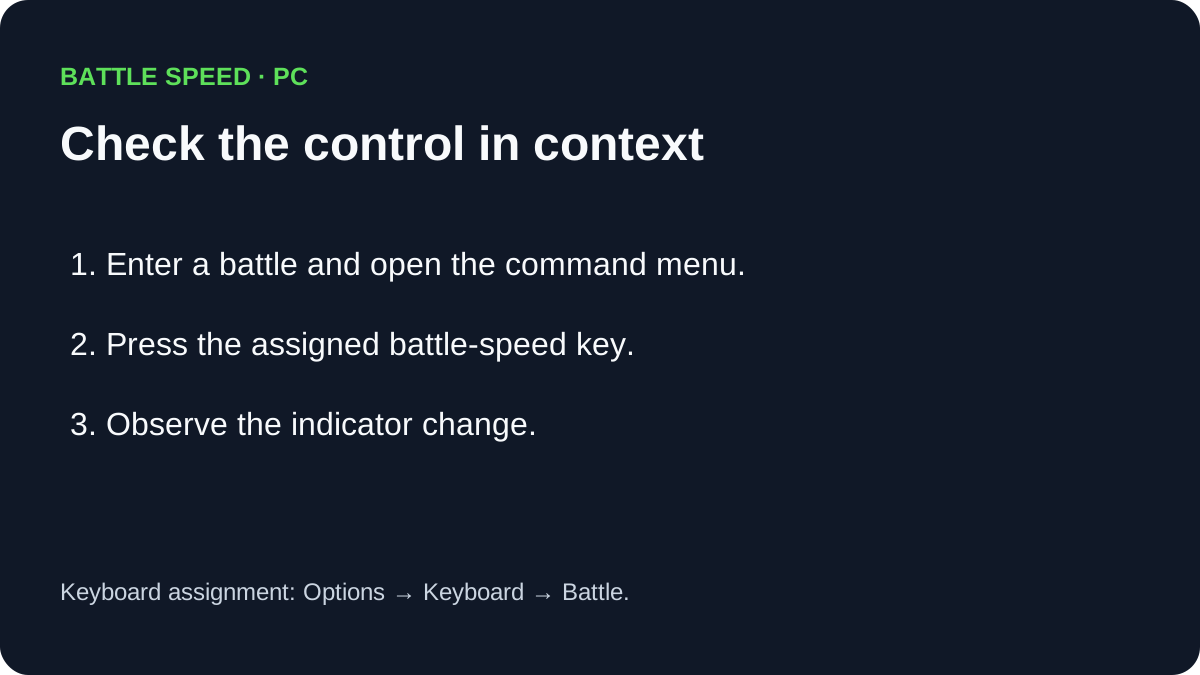
Check that a battle is active and a character’s command menu is open, then inspect the current keyboard assignment under Options → Keyboard → Battle. The hands-on walkthrough shows Tab as the default on its PC setup and reports that the binding can be changed. If a key was reassigned, use the displayed assignment. Do not assume an unresponsive control proves a game bug.
For battle mechanics rather than presentation speed, see the battle-system guide. The difficulty guide explains a different Gameplay setting, and the controller troubleshooting guide separates device detection from in-game input.
Sources
- All Things How: Speed up battles — hands-on PC screenshots of the indicator and settings; checked November 6, 2026.
- Automaton: Developer interview — developers describe the 1.5× and 2× battle-speed feature; checked November 6, 2026.
Gallery
Related Articles
guides
Why Are Vision Abilities Greyed Out in Final Fantasy Resonance?
Understand the E marker, equipped Visions, learned abilities and AP before changing your setup.
guides
How to Fast Travel in Final Fantasy Resonance
Use the Map destination list, understand dungeon restrictions, and distinguish Fast Travel from save-point Teleport.
guides
How to Use Quick Heal in Final Fantasy Resonance
Find Quick Heal on PC, understand its MP cost, and compare it with tents and revival items.
Was this helpful?
Thanks for the feedback!