
Final Fantasy Resonance PC System Requirements
Minimum PC specs are Windows 11, Ryzen 3 2300X or Core i3-8100, 8 GB RAM, and an RX 6400, Arc A580, or GTX 1650.
What are the Final Fantasy Resonance PC requirements?
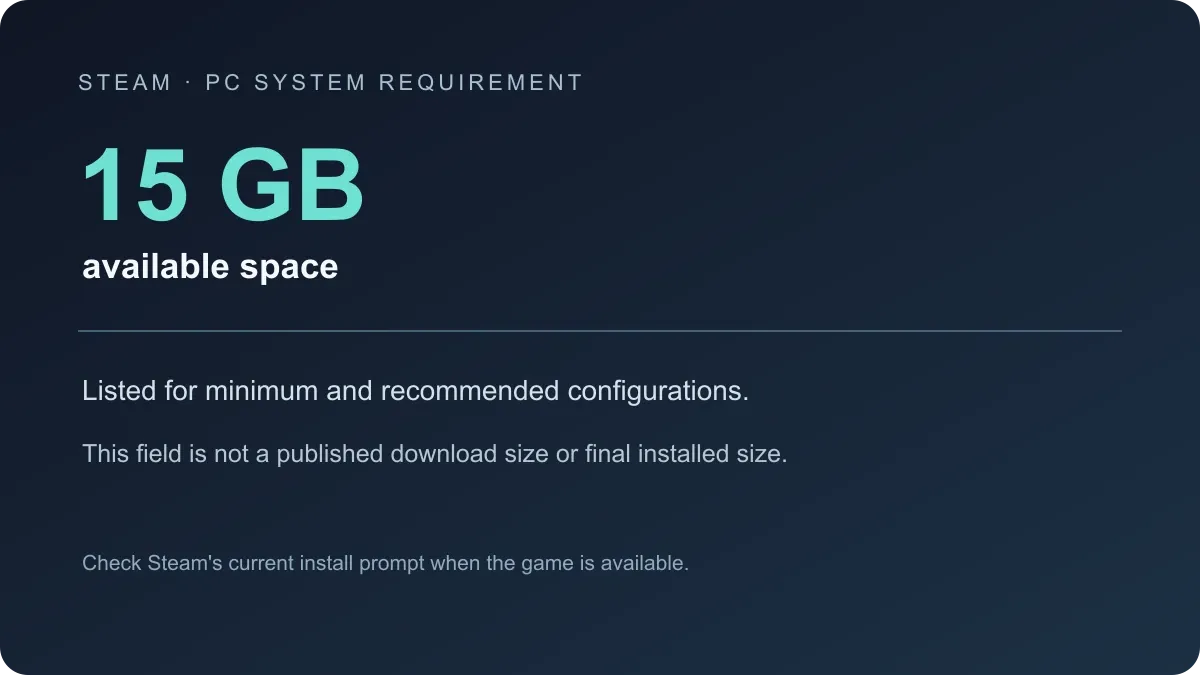
The minimum configuration is Windows 11 64-bit, AMD Ryzen 3 2300X or Intel Core i3-8100, 8 GB RAM, AMD Radeon RX 6400 / Intel Arc A580 / NVIDIA GeForce GTX 1650, DirectX 12, and 15 GB of available storage. Its listed target is 1920 × 1080 at 30 FPS with the Low graphics preset.
What is the recommended PC configuration?
The recommended configuration is Windows 11 64-bit, AMD Ryzen 5 2500X or Intel Core i3-8100, 8 GB RAM, AMD Radeon RX 5500 XT / Intel Arc A580 / NVIDIA GeForce GTX 1650, DirectX 12, and 15 GB of available storage. Its listed target is 1920 × 1080 at 60 FPS with the Highest graphics preset.
| Setting | Minimum | Recommended |
|---|---|---|
| Operating system | Windows 11, 64-bit | Windows 11, 64-bit |
| Processor | Ryzen 3 2300X / Core i3-8100 | Ryzen 5 2500X / Core i3-8100 |
| Memory | 8 GB RAM | 8 GB RAM |
| Graphics | Radeon RX 6400 / Arc A580 / GeForce GTX 1650 | Radeon RX 5500 XT / Arc A580 / GeForce GTX 1650 |
| DirectX | Version 12 | Version 12 |
| Storage | 15 GB | 15 GB |
| Target | 1080p, 30 FPS, Low | 1080p, 60 FPS, Highest |
What do these targets mean for a PC purchase?
Use the minimum column as a compatibility check and the recommended column as the published target for the higher preset and frame rate. A listed target is not a benchmark for every graphics card or every scene. The Steam store now marks the game as Steam Deck Verified. Valve’s Deck review uses a separate 30 FPS at 800p baseline and does not publish a full performance trace in the store badge.
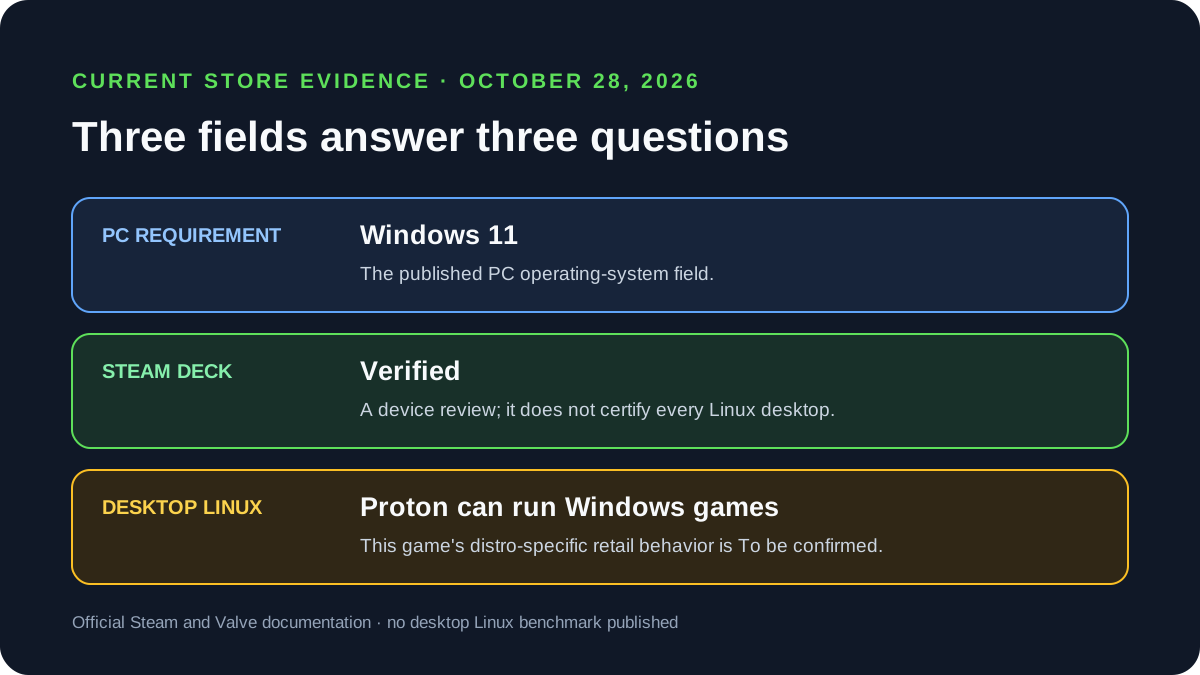
The Windows requirement and Deck badge do not establish desktop Linux compatibility. The Linux and Proton status guide explains the separate evidence fields and how to run a controlled Proton check.
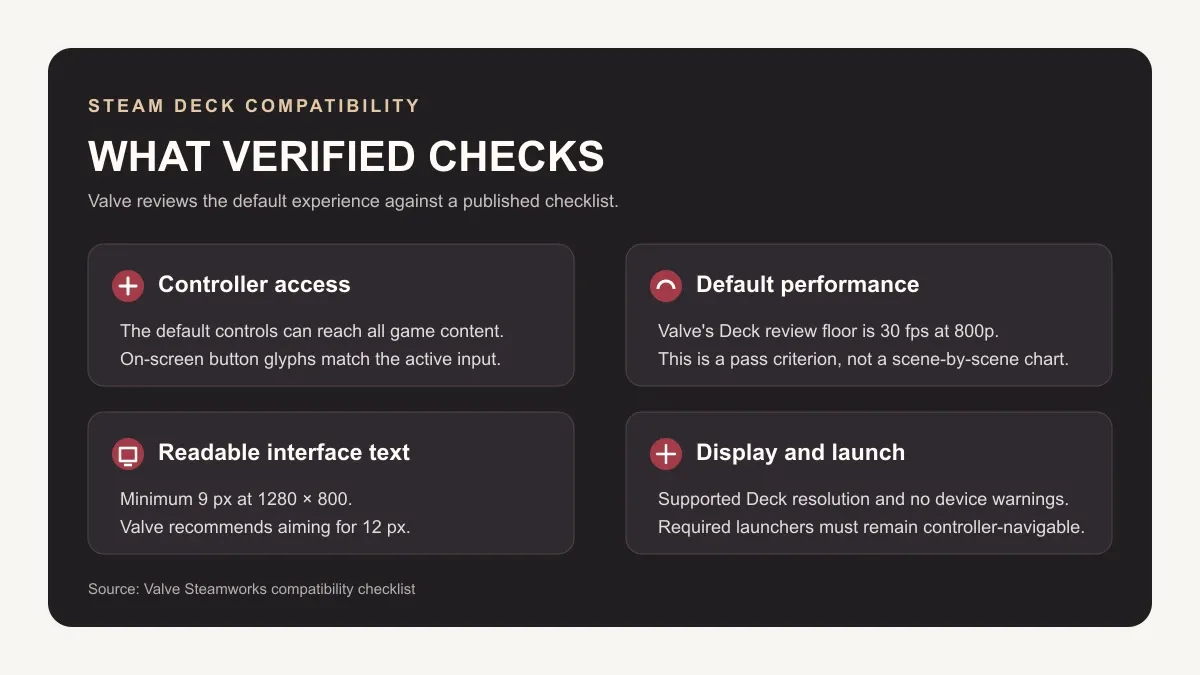
See the Steam Deck Verified guide for the current badge, its checks, and the performance details it does not provide. The Windows targets above do not define a Steam Deck graphics preset.
The Steam listing also identifies five accessibility features for the PC version. Their exact menu behavior and console availability are not specified on the store page; see the accessibility options guide for the confirmed labels and open questions.

Is PC internet required for offline play?
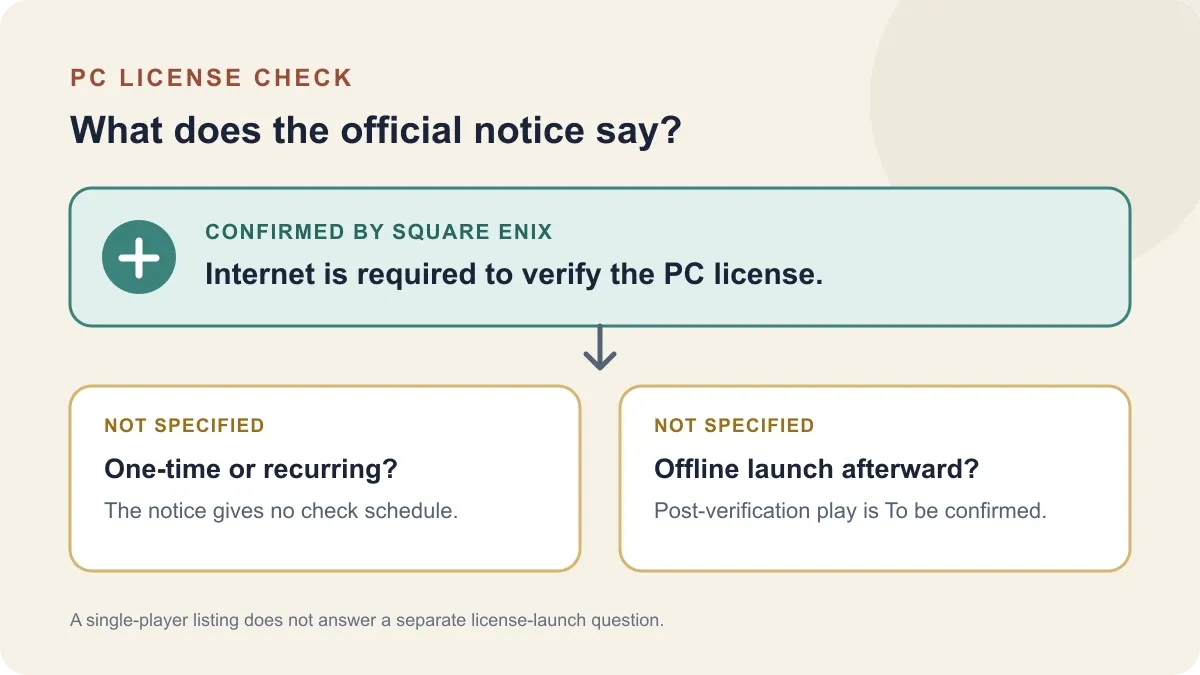
Steam lists the game as single-player and identifies Denuvo Anti-tamper. Square Enix separately says an internet connection is required to verify the PC license, but does not say whether checks recur or whether the game can launch offline afterward. The latter is To be confirmed; a single-player label is not an offline-launch guarantee.
See the PC offline mode guide for the exact storefront wording and what remains unknown.
The release-date guide covers the PC launch date, the price guide covers U.S. edition prices, and the Switch 2 guide explains the separate Nintendo versions.
Related Articles
guides
How to Change Battle Speed in Final Fantasy Resonance
Find the battle-speed control on PC and distinguish combat speed from text and movement settings.
guides
Final Fantasy Resonance Steam Save File Location on Windows
Find the Windows Steam demo and full-game save folders and understand what a local backup does.
guides
Final Fantasy Resonance Controller Not Working on Steam: What to Check
Compare controller detection, input and in-game response in Final Fantasy Resonance without assuming a universal fix.
Was this helpful?
Thanks for the feedback!